8025/8030 CNC OPERATING MANUAL 7
2.4. SELECTION OF COLORS
Whenever the CNC is fitted with a COLOR MONITOR, it is possible to choose the set of colors
one wishes to appear on the screen.
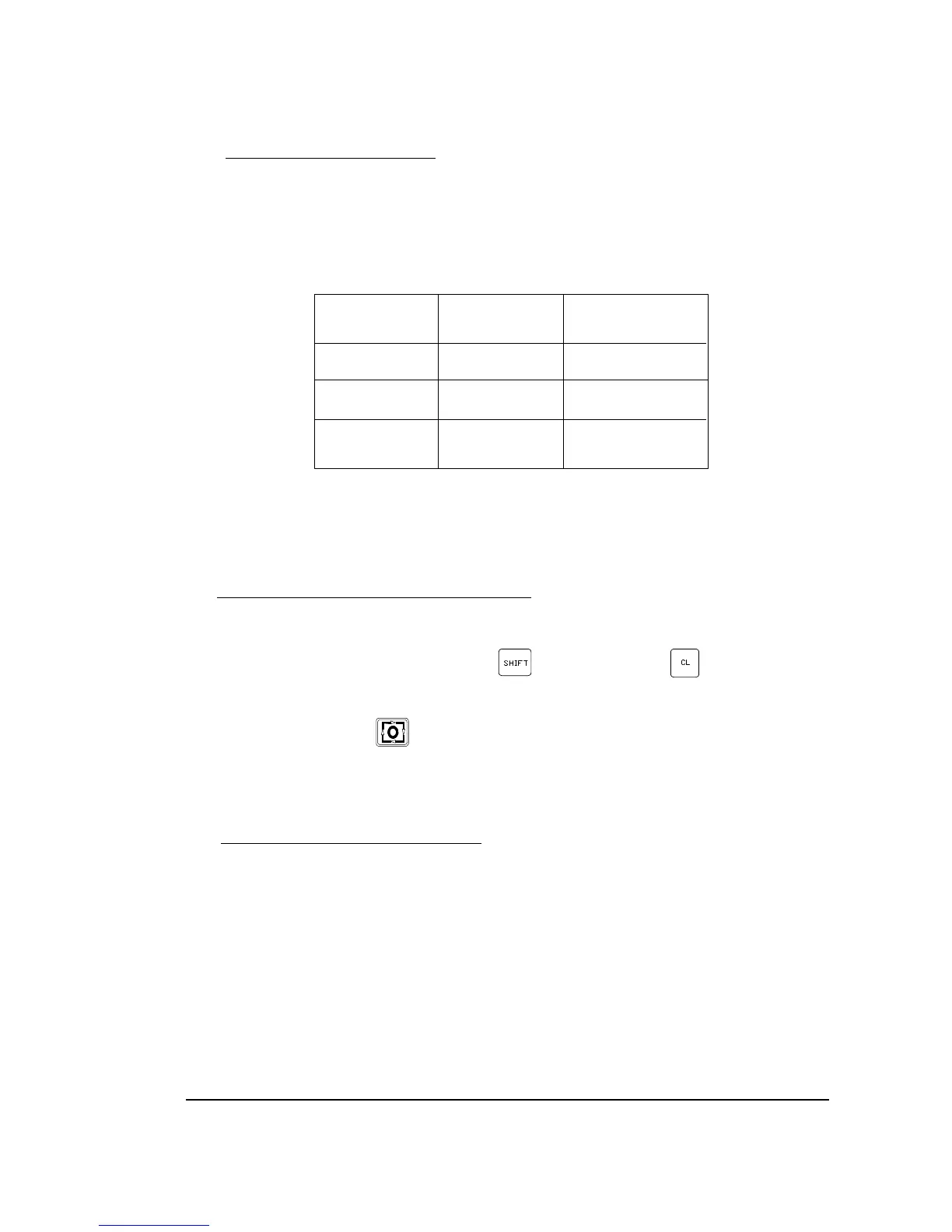
Colors are selected by means of the designation of values to the Machine Parameter P619 bits
(2) and (1).
P619 (2) P619(1) Monitor
0 0 Monitor
0 1 Combination 1
1 0 Combination 2
Each of the combinations, 1 and 2, are a group of 3 different colors to distinguish the characters
displayed.
2.5. Cancellation of the MONITOR DISPLAY
In any of the Modes of Operation of the CNC, it is possible to blank the MONITOR out.
First of all, it is necessary to press the key and then the key .
To restore the display just press any key.
In this case, the STOP key , in addition to recovering the last display, stops the possible
running of the CNC.
The display is also recovered when a message is received from the PLC64 or from the PLCI.
2.6. FUNCTION KEYS (SOFT KEYS)
The CNC has 7 function keys (F1/F7), placed under the screen, which allow the user to operate
with the CNC comfortably and quickly.
Their meaning will be displayed on the screen just above the corresponding function keys and
will be different in each of the situations and modes of operation.
Throughout the manual the meaning of the F1/F7 keys which must be pressed in each case, will
be indicated in square brackets [].


 To Next Page
 Loading...


