8025/8030 CNC OPERATING MANUAL 17
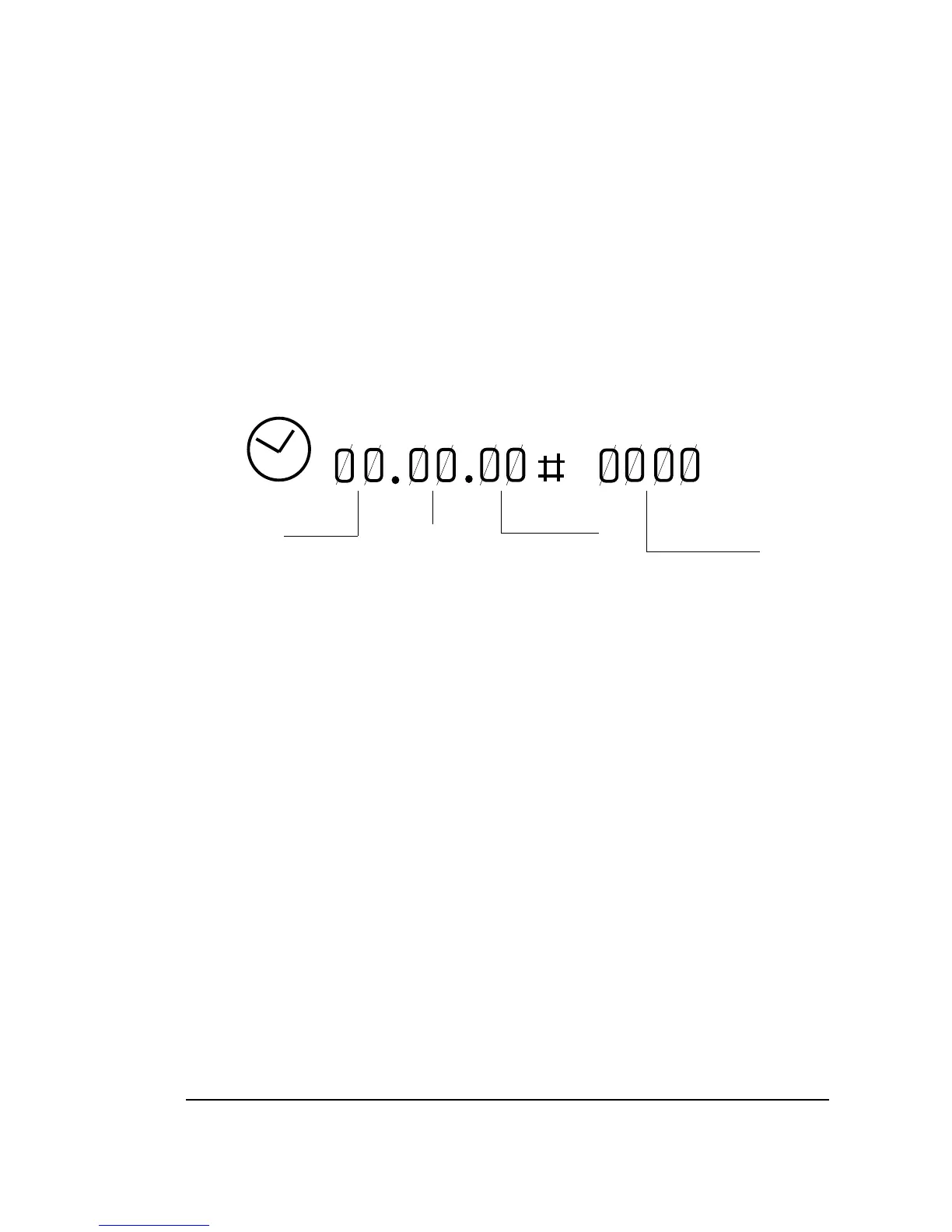
To reset the clock, push the DELETE button and then the function key [TIME], this clock
being displayed on the screen.
On the right, the clock appears with 4 digits THE PARTS NO. COUNTER.
This counter increments one unit every time the CNC runs the M30 function or the M02
function.
To reset the parts no. counter the DELETE key must be pressed and then the function key
[PART COUNT], this counter being displayed on the screen.
HOURS SECONDS PARTS
MINUTES COUNTER
3.1.2.7. GRAPHICS display mode.
This mode is used for the graphic representation of the program and an explanation of it appears
in paragraph 3.10 of this MANUAL.



 To Next Page