Product Operation
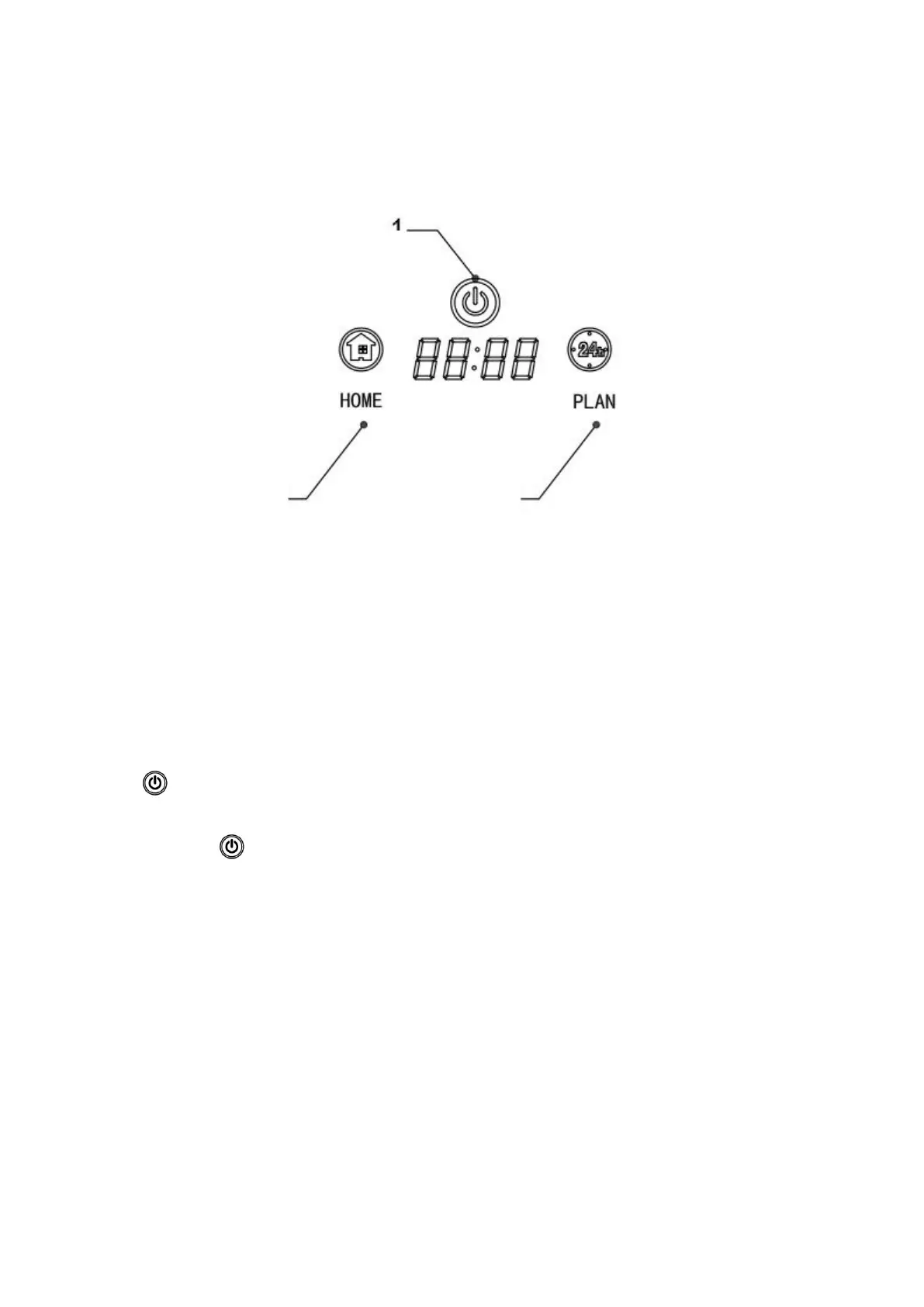
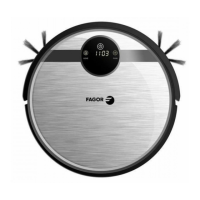
Touch Panel Operation
1. “ ” Cleaning Operation
A. Press “ ” to start the robot, and press again to enter auto cleaning mode.
B. Make the robot change from Sleeping status to Standby; or press over 3 second make the
robot change from Standby to Sleeping status.
C. In Schedule cle
aning process, press this to confirm the schedule setting.
D. In t
ime s
etting p
ro
cess, press it to confirm the time setting.
E. In Standby sta
tus, press this to start the robot.
2. “HOME” auto-charging/ number increase (+) operation
11


 To Next Page