10
1
2
Installation
Using the oven
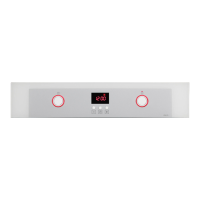
To fi nd out which model your oven is (“a”,
“b”, “c”, “d”) compare its control panel with the
control panels shown in the illustrations.
1.1 Unpacking. Remove all the protective
packaging elements.
1.2 Mains connection. Always take into account
the data on the reference plate (1.2.1) and
the measurements of the cabinet the oven
will be housed in (1.2.2, 1.2.3).
Freestanding ovens: the appliance must be
connected to the mains with a fi xed single-
phase connection with the neutral (blue)
connection guaranteed (1.2.4). Fit the oven
into the space, ensuring there is no excess
cable in the upper part (1.2.5, 1.2.6). Screw
it to the fi tting using the two screws supplied
(1.2.7). The fi tted furniture or its surface must
be heat-resistant (“a”, “b”, “c”, “d”) . The time
must be set in order to fi nish the installation.
After a period of inactivity, the machine
will turn to standby and its brightness
will diminish or the screen will switch off,
depending on the model.
0
Identifi cation
Before using your new oven for the fi rst time.
heat it up while empty(with no food in it and with
the control turned to , at for 30 minutes at
250ºC). It may produce some smoke or a bad
smell (this is normal and is caused by the oven
heating up grease residue etc.). When it has
cooled down, pre-clean it by wiping the inside
with a damp cloth.
2.1 Accessories. Depending on the model
there is a Flat Tray (2.1.1), Deep Tray (2.1.2)
and Multifunctional Grill (2.1.3) that work
separately. If it also possible to combine either
tray with the Multifunctional Grill (2.1.4) to
make a set. All the accessories or sets can
be used directly or mounted on the Partial
Extraction Grill (2.1.5) or the Total Extraction
Grill (2.1.6, 2.1.7), (2.1.8). If you have the
partial extraction tray, it can be used separately
or together with trays (3 types) (2.1.9). The
Simple Grill is used separately (2.1.10). If you
have telescopic rails, remove the tray before
installing them in the oven (2.1.11). The
telescopic rails extend automatically due to the
weight of the tray when the oven is opened
(2.1.12). Food must always be placed on a tray
on the telescopic rails (2.1.13). Bear in mind the
position of the grills when installing them. There
are anti-tipping stops at the sides (2.1.14).
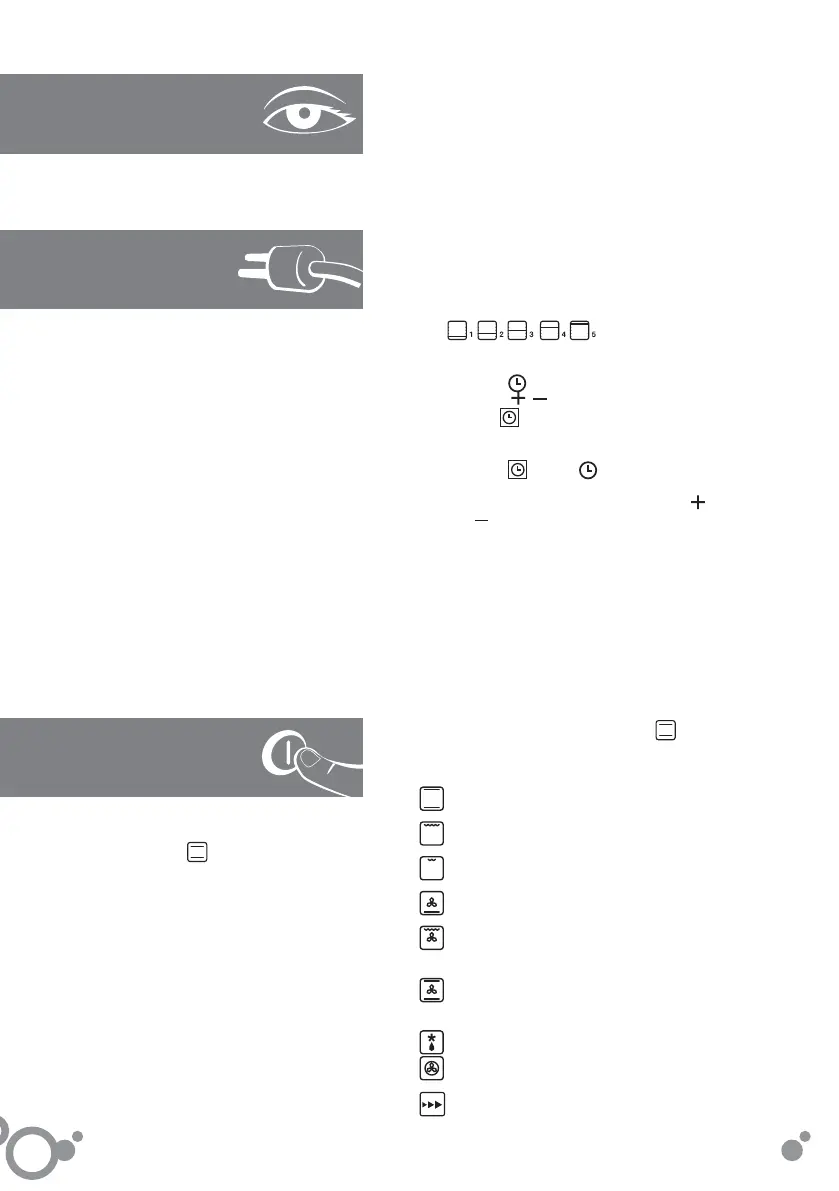
2.2 Accessory positions. The accessories
can be fi tted in 5 different positions,
.
2.3 Digital clock: c,d.
press the button. (2.3.1). Set the time
using the , buttons (2.3.3). After a few
seconds will stop fl ashing (2.3.5).
Digital clock: a,b
press the button.
will be marked
(2.3.2).Information showed on the display
will start to fl ash. Set the time using the
and buttons (2.3.4). After a few seconds
information on the display will stop fl ashing
(2.3.6).
Note: the time will need to be set again after
an electricity cut or when the hour changes.
2.4 Cooking the food. Place the food in the
oven. Consult the cooking table to choose the
accessory or accessories to be used and their
position. Close the oven door.
2.5 Selecting the cooking function.
Select
the cooking function according to the model,
by turning the selector dial. The On pilot light
will switch on.
Traditional heat. For bread, cakes, cakes with
fi lling and lean meat.
High grill. For browning pasta, souffl és and
bechamel sauce.
Low grill. For hamburgers, toast and food
with a small surface area.
Fanned base heat. The fan distributes the
base heat evenly. Suitable for paellas.
Fanned high grill. This browns the food,
distributing the heat evenly. Ideal for large-
sized roasts.
Traditional fanned heat. For any kind of dish.
Several dishes may be cooked at once without
their fl avours or smells mixing.
Defrost. Rapidly thaws any kind of food.
Turbo plus. The heat is produced by the
central element.
Celeris. For pre-heating the oven.
english


 To Next Page
 Loading...