13
EN
Keep pressing FAN button until the device run under automatic operation (the LED will show
AUTO)
Under automatic operation, the device automatically switches to the proper running modes
(MED or LOW) according to the level of odor, dust or irritants in the air as detected by the
sensor. As the air is puried, the device will automatically switches back to LOW or QUIET
modes.
Timer ON/OFF
Press TIMER button to set the operation timing.
Under the TIMER function, the operation timing will be set according to the number of times
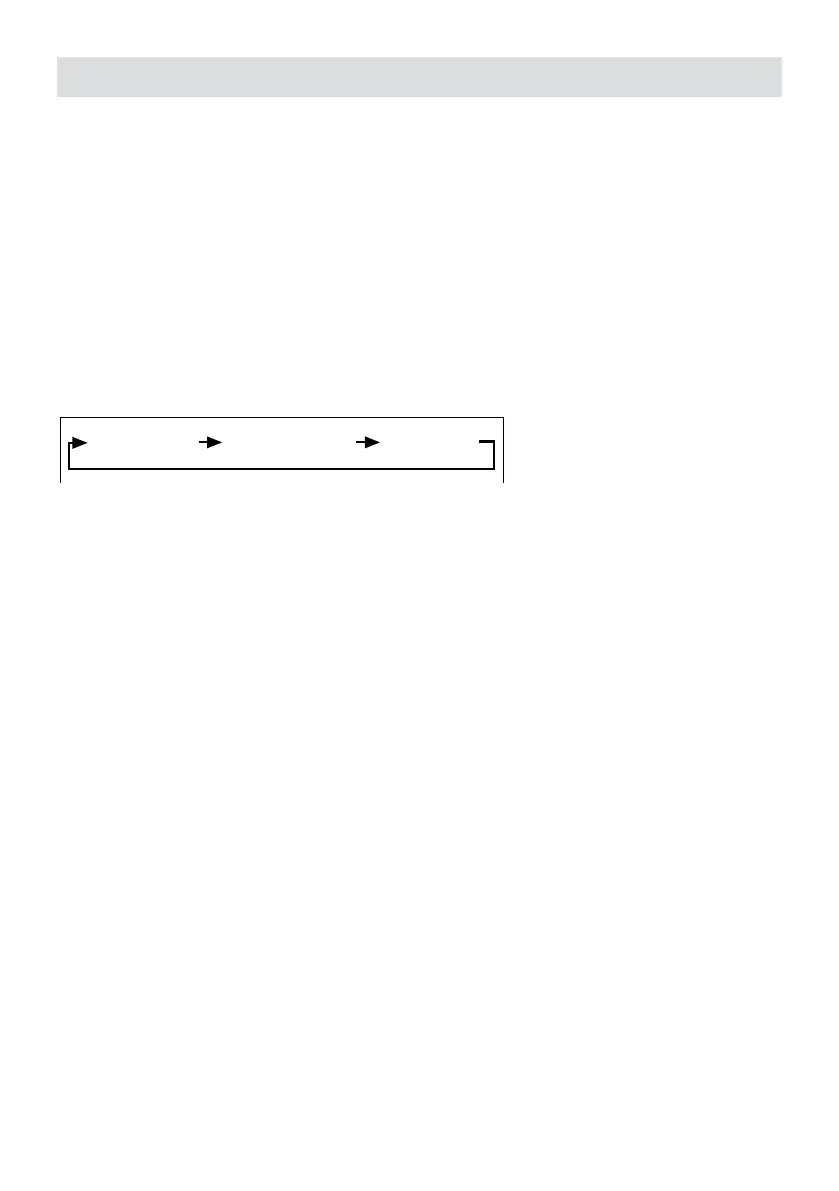
you pres the TIMER button. The LED will show the following sequence of timing:
1 Hour 2 Hour 8 Hour
Ion-UV On/Off
Press ION-UV button to set the operation of ion on Remote Controller
ON/OFF
FLOW
AUTO
TIMER
ION-UV
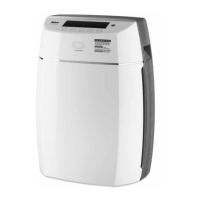
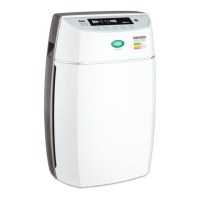
Disassembling the device
Carefully lay down the device with its front facing up, take down the device according to
the following 4 steps (Put the device back together with the same steps but with opposite
sequence):
1. Take down the front cover
• Please attach rmly at the connecting locations.
• Press the locking tabs on both sides of the device.
• Gently lift up the front cover.


 To Next Page