3 Installation of ZWMP module
The ZWMP module should be mounted onto a wall or other permanent element of the building by
means of screws driven into cylindrical plugs inserted into openings drilled in the wall. In order to install the
ZWMP module, it is necessary to:
1. Take off the upper section of the casing.
2. Take out the screws fixing electronic plate to the casing (see Figure 1).
3. Take electronic plate out of the casing.
4. Screw the lower section of the casing to the wall.
5. Screw electronic plate to the lower section of the casing.
6. Make all the necessary electric connections.
7. Remount the upper section of the casing.
11.09.21 NC815 4/16 ©2011, FAKRO
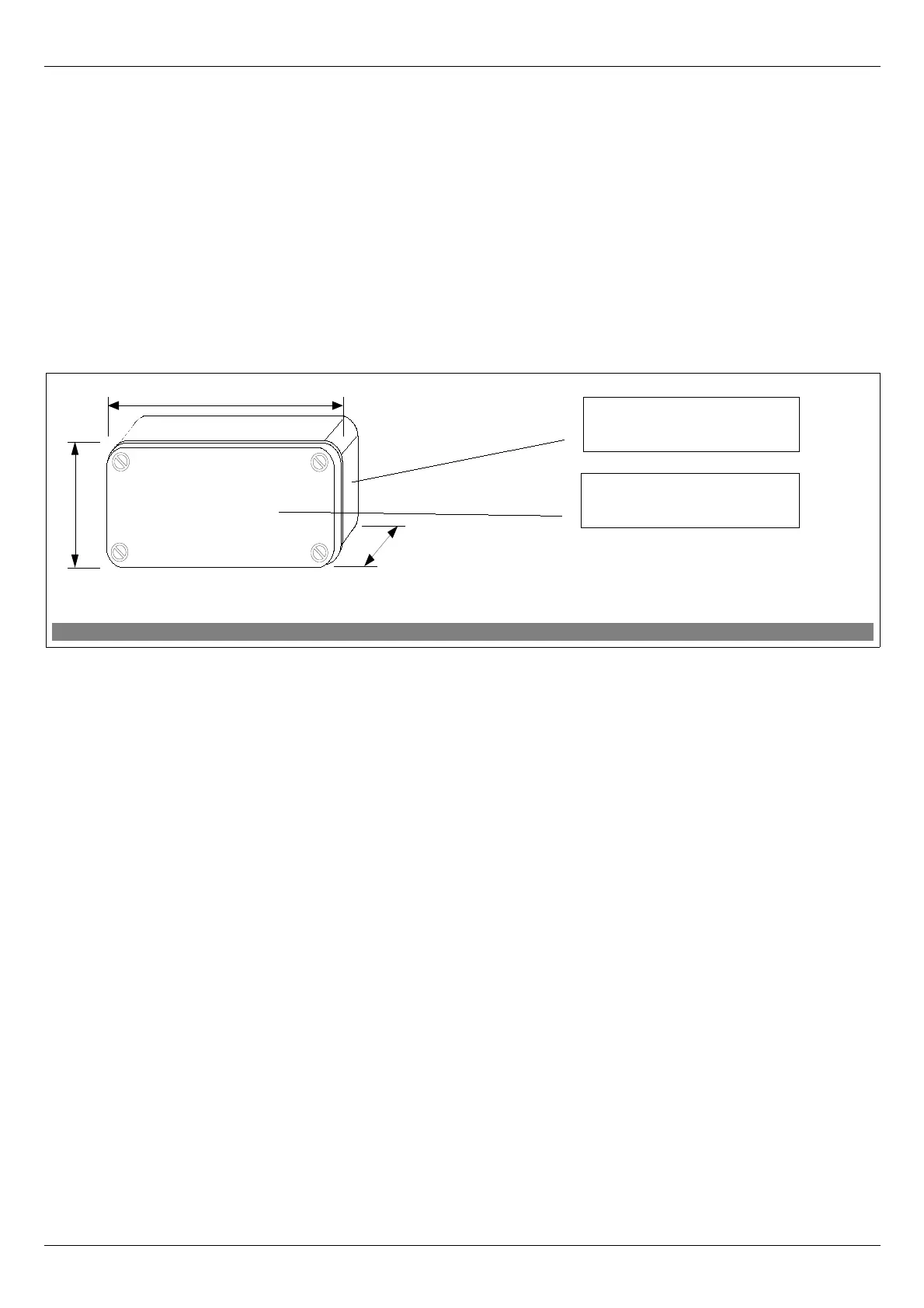
Figure 2: ZWMP weather module casing
Upper part of module casing
Lower part of module casing


 To Next Page