-7-
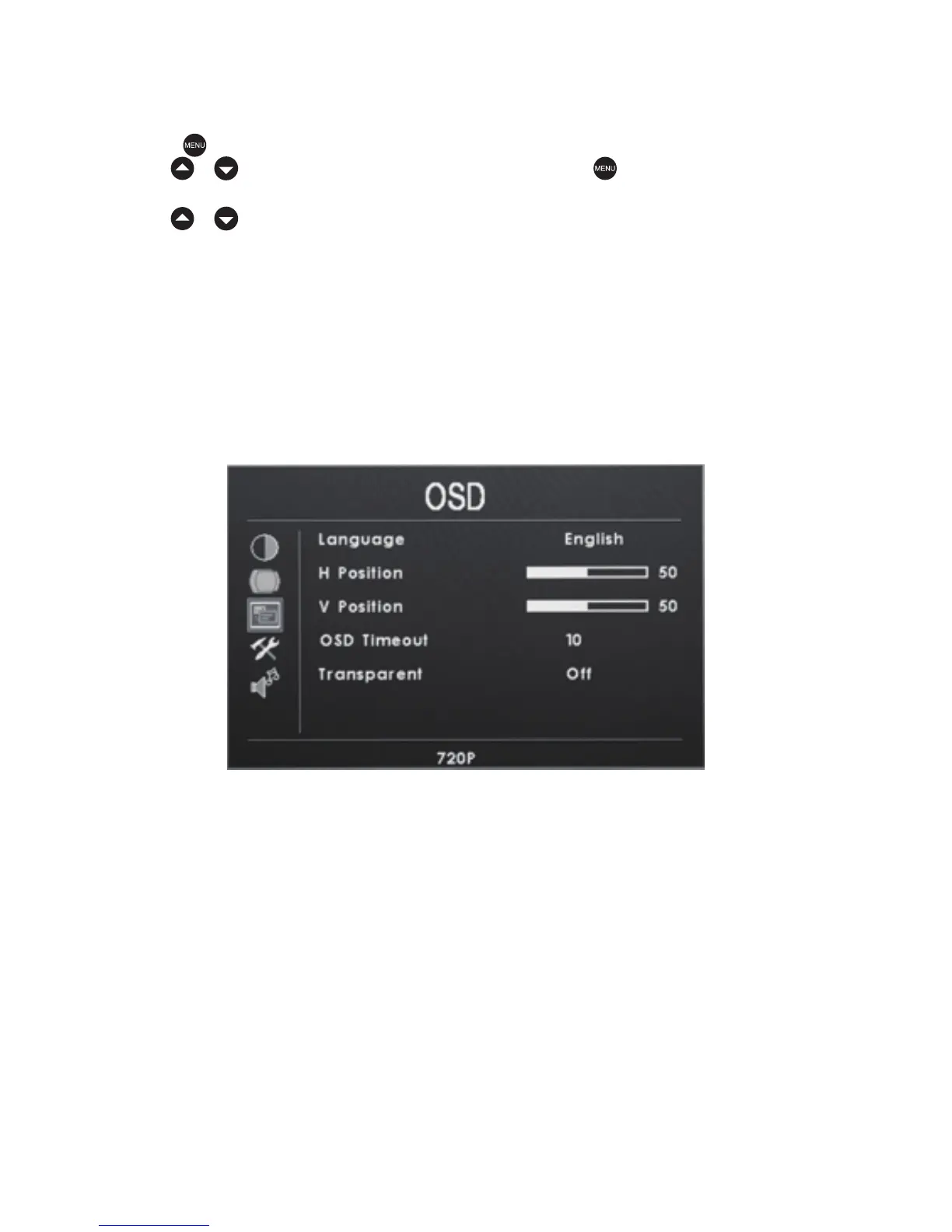
Language:简体中文/English
H Position:0—100
V Position:0—100
OSD Timeout:OFF,5—60 Seconds
Transparent:OFF,1—7
OSD
Press the key to access the relevant OSD (on screen display) menu operation.
Use the / keys to select the OSD icon.Press the key again to confirm
the OSD selection, You should now be in the OSD submenu as shown below.
Use the / keys to select one the following submenu items:


 To Next Page