-8-
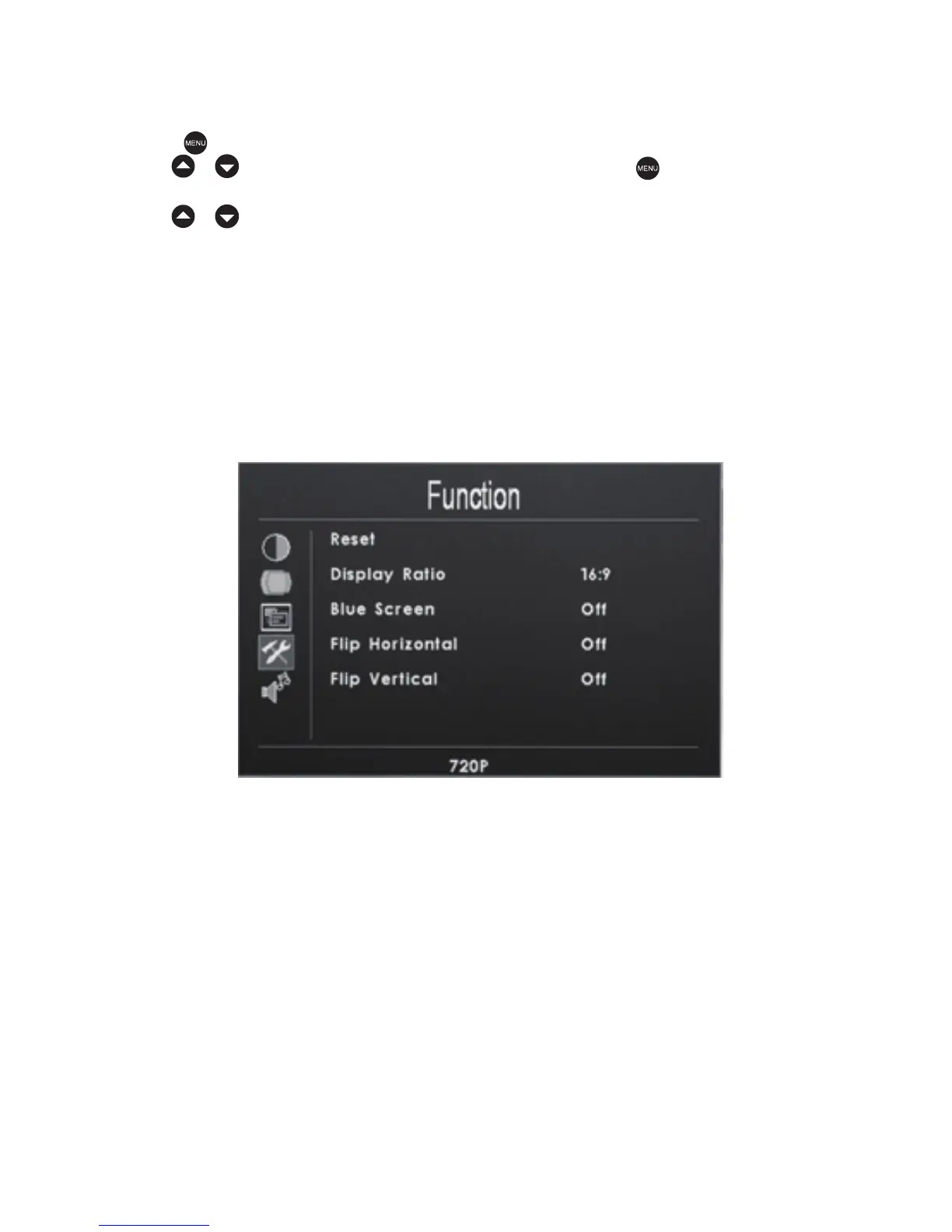
Reset
Display Ratio:16:9/4:3/Auto
Blue Screen:ON/OFF
Flip Horizontal:ON/OFF
Flip Vertical:ON/OFF
Function
Press the key to access the relevant OSD (on screen display) menu operation.
Use the / keys to select the Function icon.Press the key again to confirm
the Function selection, You should now be in the OSD submenu as shown below.
Use the / keys to select one the following submenu items:


 To Next Page