Backup Software
Install the software:
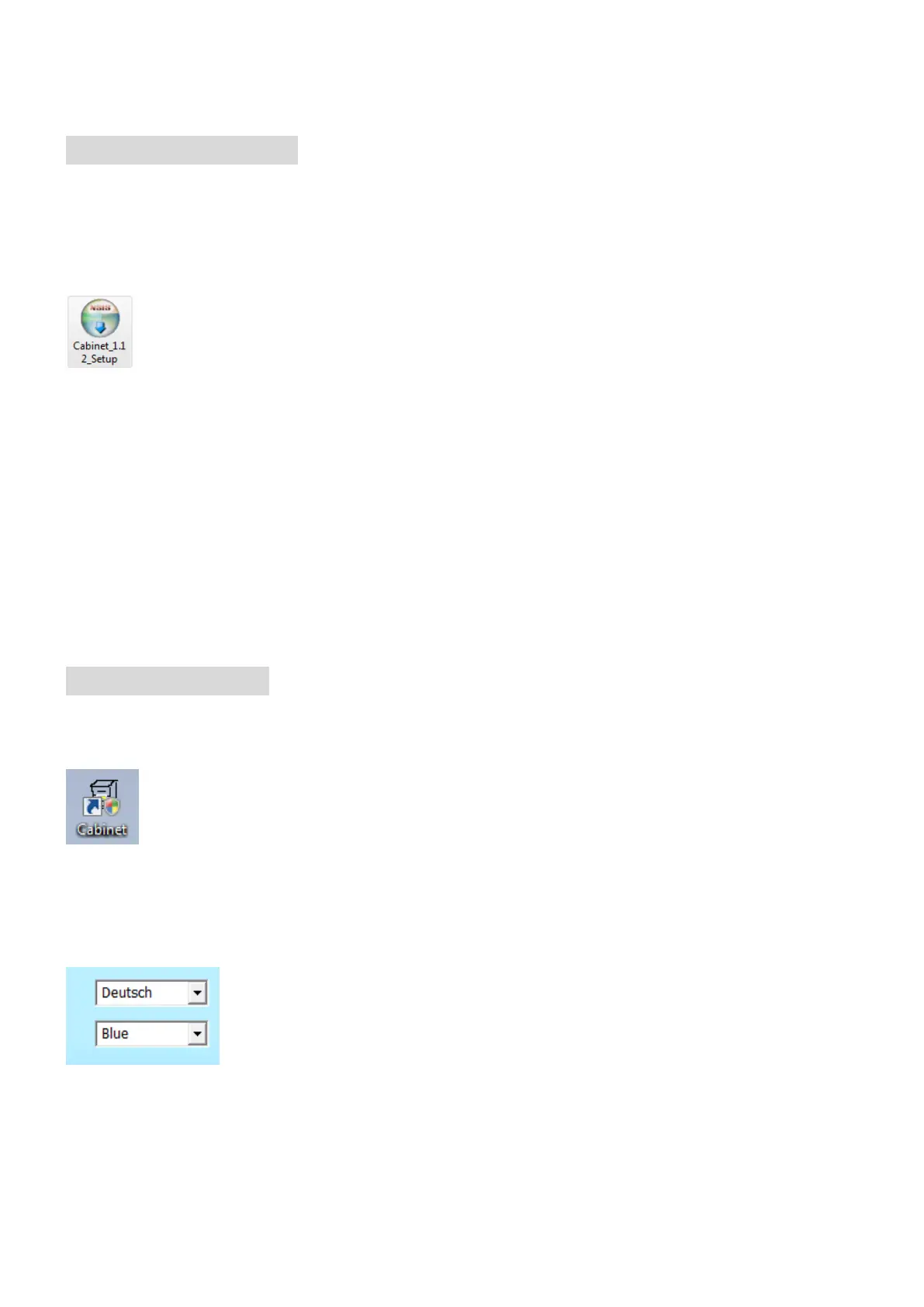
1. Double click the icon to install the software on your computer. The
Software is compatible with Windows 2000/XP/Vista/ 7.
Note: The software can be found on the Driver CD.
2. Click [Next][Next][Install][Finish] to execute the software
installation.
Create a Backup:
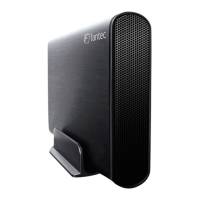
1. To open the software double click the “Cabinet” icon.
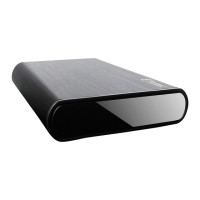
2. On the top right site you can change the language and layout.


 To Next Page