GB-18
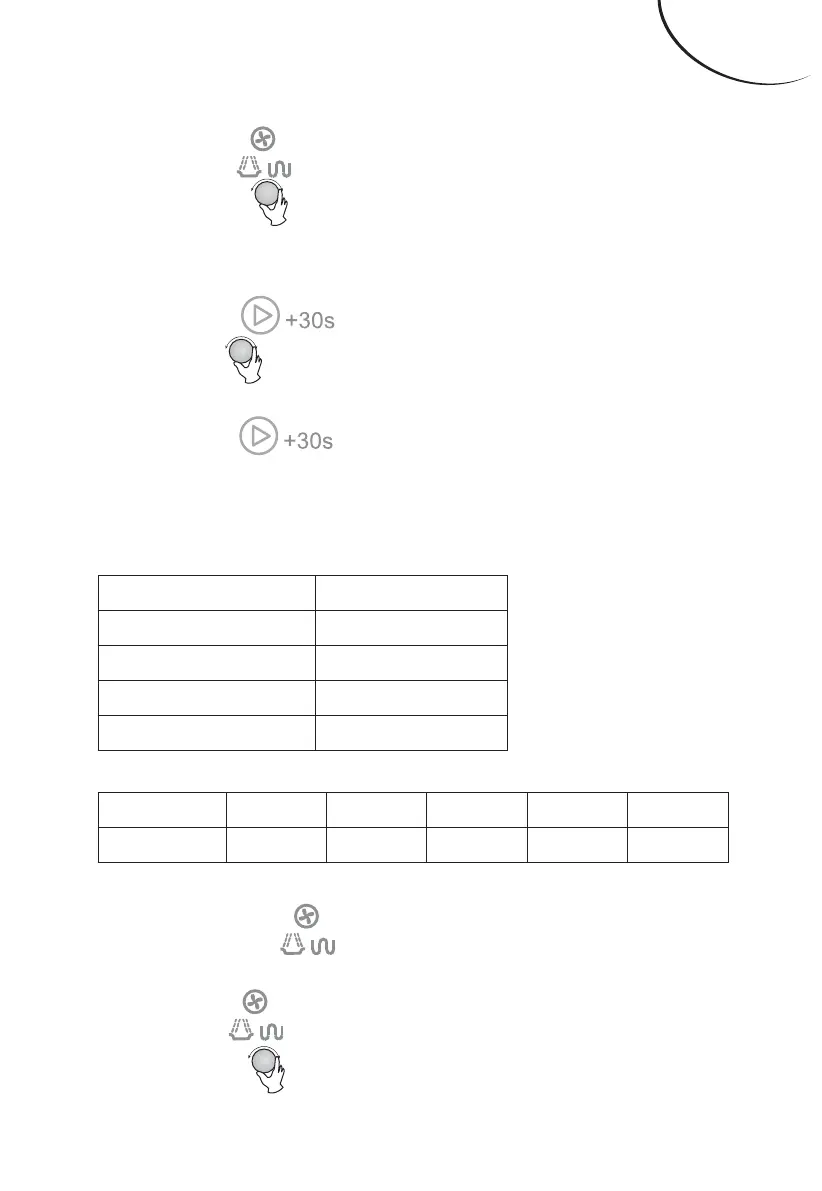
2). Press “ ” for times
or turn “ ” to select the microwave power
from 100% to 10%. “P100”, “P80”, “P50”,
“P30”, “P10” will display in order.
3). Press “ ” to conrm.
4). Turn “ ” to adjust the cooking time. (e
time setting should be 0:05- 95:00.)
5). Press “ ” to start
cooking.
NOTE: the step quantities for the adjustment
time of the coding switch are as follow:
0—1 min 5 seconds
1—5 min 10 seconds
5—10 min 30 seconds
10—30 min 1 minute
30—95 min 5 minutes
Microwave Power Chart
Press Once Tw ice rice 4 times 5 times
Display P100 P80 P50 P30 P10
3. Grill Cooking
1). Press the “ ” key
once, and “P100” displays.
2). Press “ “ for times
or turn “ ” to select the grill function.
When “G-1” displays, it indicates grill
ENGLISH


 To Next Page