H O W T O U S E T H E K E Y B O A R D
SWITCH ON AND SWITCH OFF
Move the switch to the ON/OFF position to turn the instrument or .
When turned on, the keyboard is set to operate with the Stage Pianosound,
the Pop rhythm and the song La Cucaracha.
Note: to avoid unnecessary battery use, an alarm will sound (
Save Power
Alarm
) to indicate that the keyboard has not been used for more than two minutes.
DEMO – Chosen excerpt
Switching on the button, a melody that will emphasise the characte-
ristics of the keyboard will play.
To turn off the melody press the
button.
VOLUMES
To regulate the volume of the instrument you must use buttons
(to turn up) or (to turn down). By holding the button pressed
down, the variation becomes continuous.
To restore the standard volume press both
and but-
tons together.
THE SONGS
The instrument contains 32 classic pieces.
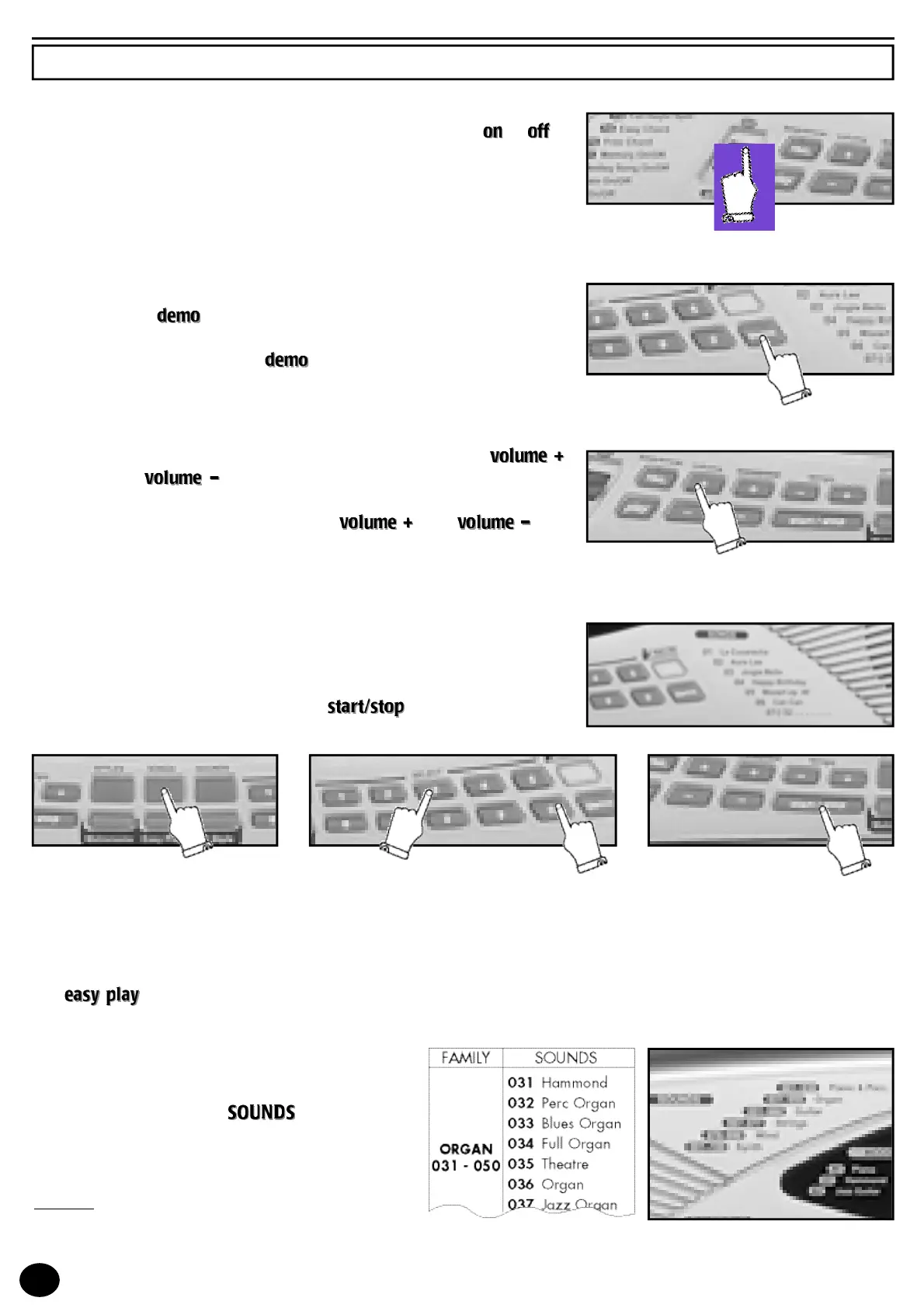
To select the piece, press the SONGS button (light on) and type in a two digit
number from the SONGS list (e.g. 03 Jingle Bells, type in the 0 on the nume-
ric keyboard then the 3) and press the
button to activate the
musical piece or to stop execution.
When the first number is typed, the light blinks until the selection is complete. When the piece is playing, other songs can
be listened to immediately by typing in the number which corresponds to the piece.
The
control sets the melody of the song and the standard TEMPO on the keyboard.
THE SOUNDS
The keyboard features 100 sounds divided into 6
families(e.g. 031-050 ORGAN).
They are selected when the
button is on by
entering a three digit number between 001 and 100
of the SOUNDS list you will find at the end of the
Instructions Manual.
Example: for the Full Organsound type the number
034 (first
0
, then
3
and then
4
with the numeric key-
board).
HOW TO USE THE KE Y BOARD
6



 To Next Page