H O W T O U S E T H E K E Y B O A R D
THE METRONOME
The metronome helps you to learn the music, giving the beat during musical exercises and simulating the traditional time-
marking instrument.
It can be turned on and off with the
button. To change the tempo, use the buttons.
EASY PLAY
Depending on the rhythm, Easy Playsets the tone for the right hand, the best tempo for the performance and splits the
keyboard to play chords in the FREE CHORD mode.
DJ STYLE
The control activates the DJ effects in the
last 13 keys on the keyboard, a DJ rhythm style and
particular complex harmonies. The keyboard splits
automatically into three sectors: playing a key on
the left side, select the
tonality
and the rhythm auto-
matically starts, in the centre of the keyboard “
com -
plex harmonies
” can be played and on the right side DJ Style characteristic
effects
can be played. They are selected by pres-
sing the
button and then a number from 33 to 38.
THE FUNCTIONS
Full Keyb/Split
To split the keyboard with two sounds or set a sin-
gle sound.
Number 73 activates Full Keyb, i.e. a single sound
on the entire keyboard, or Splitwith the keyboard
split to use two different sounds.
EASY CHORD
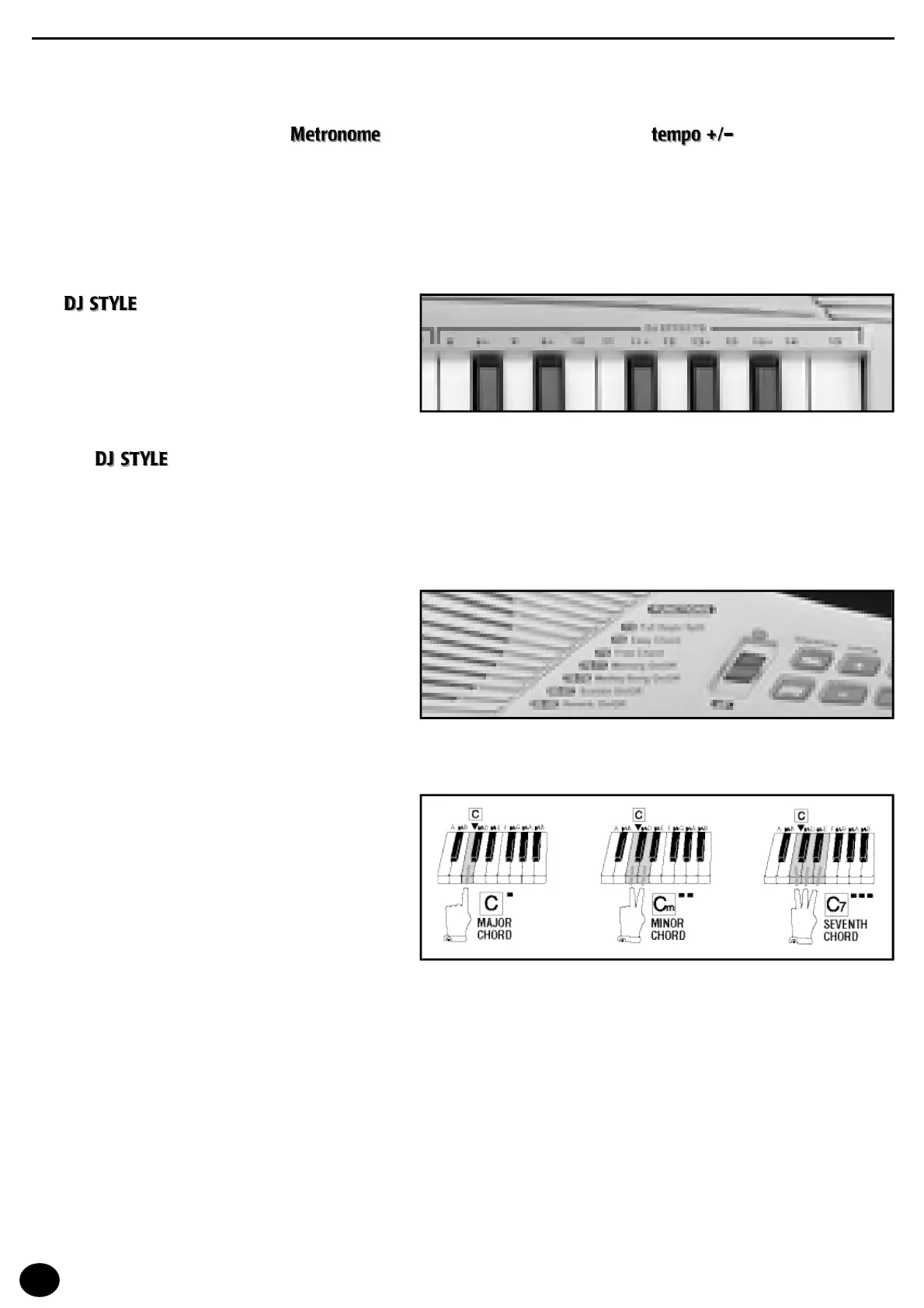
This function allows you to compose chords on the
left side of the keyboard with the simplified mode:
one key will provide a
major chord
,
t wo keys a
minor chor
d
t h r ee k e y s a
dominant 7th chord
.
It is activated by typing number 74 Easy Chord.
The fundamental note of the chord (the most important one and the one that gives the name to the chord) is represented
by the key pressed on the far left. For example, by pressing simultaneously C, D and E, you will get a C7 dominant chord.
The table with all the chords is at the end of the Music Book.
Free Chord
Chords are played in the traditional way and all the main chords are identified.
It is activated by typing number 75 Free Chordor when Easy Playis selected.
The display shows the name of the chord in the Anglo-Saxon notation.
The table with all the chords is at the end of the Music Book.
8



 To Next Page