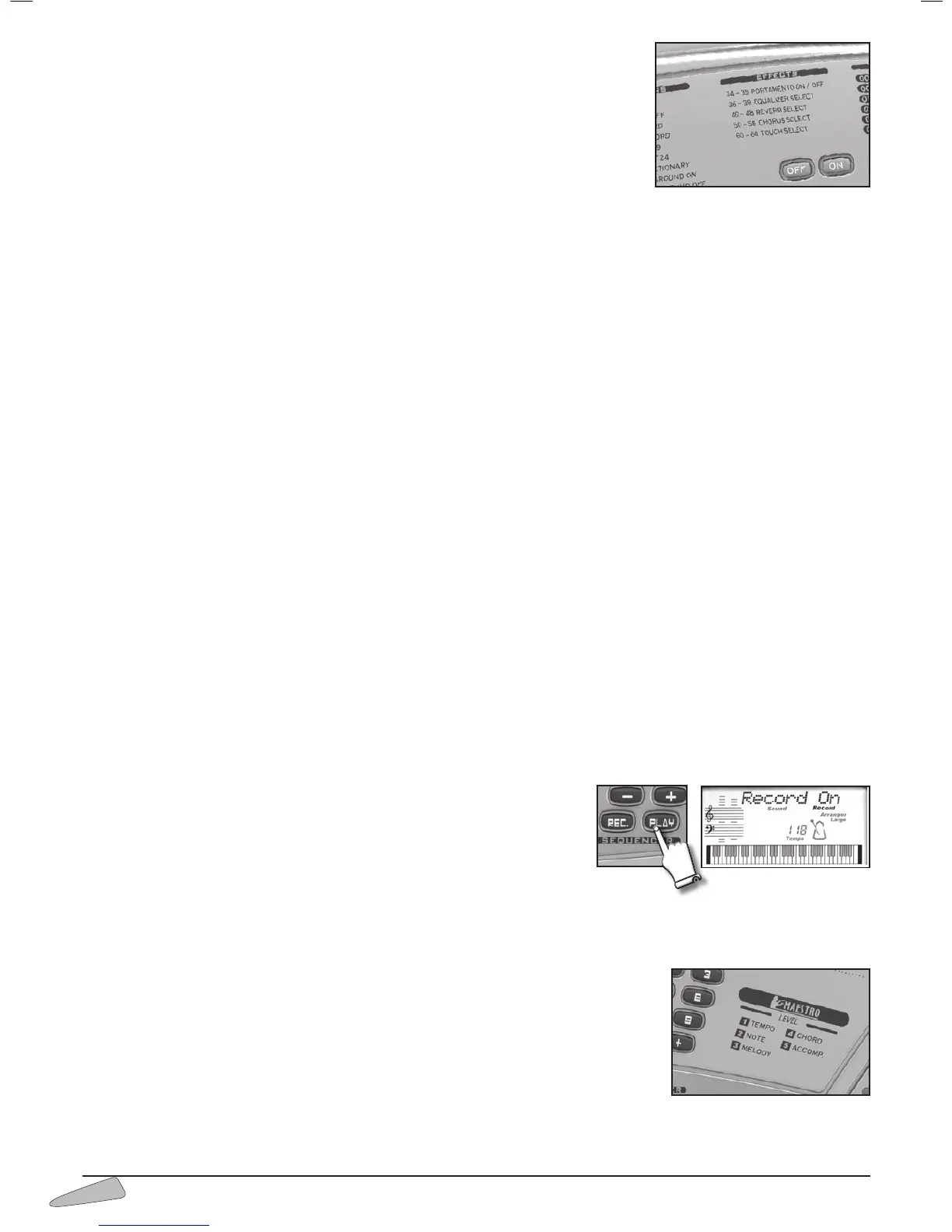
THE EFFECTS
The effects modify the tone-colour characteristics of the sounds.
PORTAMENTO ON / OFF
The portamento creates a pitch slide between two keys; it is more evident when two keys far
away one from the other are played. It can be enabled by entering 34 PORTAMENTO ON
and disabled with 35 PORTAMENTO OFF.
EQUALIZER SELECT
It allows you to choose among four different equalisations that intensify treble or bass frequencies.
By entering 36, the display shows “
Disco”, and bass frequencies are more intense; middle frequencies are more intense with 37
“Jazz” and 38 “Classic”; 39 “Flat” intensifies treble frequencies.
IMPORTANT: When connecting the keyboard to an external amplification, it is better to choose a middle frequency equalisation and, most impor-
tant, to set the initial volume level at minimum.
REVERB SELECT
The reverb effect allows you to hear sounds as if they were produced in a big hall. You can choose between eight different types of
reverb. By entering 40 you will have “Room-1”, with 41 “Room-2”, with 42 “Room-3”, with 43 “Hall-1”, with 44 “Hall-2”, with
45 “Plate”, with 46 “Delay”, with 47 “Pan Delay” and with 48 “Reverb Off” you can turn the reverb effect off.
CHORUS SELECT
The ‘chorus’ effects enrich the SOUNDS section with special modulations that penetrate to a greater or lesser degree depending
on the selected sound.
You can choose between eight different types of chorus. By entering 50 you can have the “Chorus-1” effect, with 51 “ Chorus-2”,
with 52 “ Chorus-3”, with 53 “ Chorus-4”, with 54 “Feed Back”, with 55 “Flanger”, with 56 “Short Delay”, with 57 “FB
Delay” and with 58 “Chorus Off” you can turn the chorus effect off.
TOUCH SELECT (TK 82)
Five dynamic levels can be chosen: typing in code 60 enables the VERY SOFT level; 61 the SOFT level, 62 the NORMAL level,
63 the HARD level and 64 the HEAVY level. The 62 NORMAL level is usually activated.
SEQUENCER
The sequencer section allows you to record and listen to everything you play. The Sequencer also allows you to check your learning
level; the musician can play the melody, record it while listening to a song and then listen to the result.
It can be enabled by pressing the REC. button. The display shows “
Record On” to show that the Sequencer is active.
Press REC. again to stop recording and then press PLAY to listen to what has been recorded.
Press PLAY again to stop listening.
You can memorize up to 500 events.
When the memory is full, the display temporarily shows “
Sequen.Full” and the
“Record” sign vanishes.
After a recording session, while PLAYis active, variations made on the control panel
can alter recorded events.
Recorded data is memorised as long as the keyboard is switched on. If nothing has
been recorded in the Sequencer, by pressing PLAY the display will temporarily show “
SequenEmpty”.
MAESTRO
The
MAESTRO
section helps you in the music learning process just as if a real musical teacher
were there with you, teaching you five fundamental aspects:
1. Tempo 2. Notes 3. Melody 4. Chords 5. Accompaniment



 To Next Page