,6
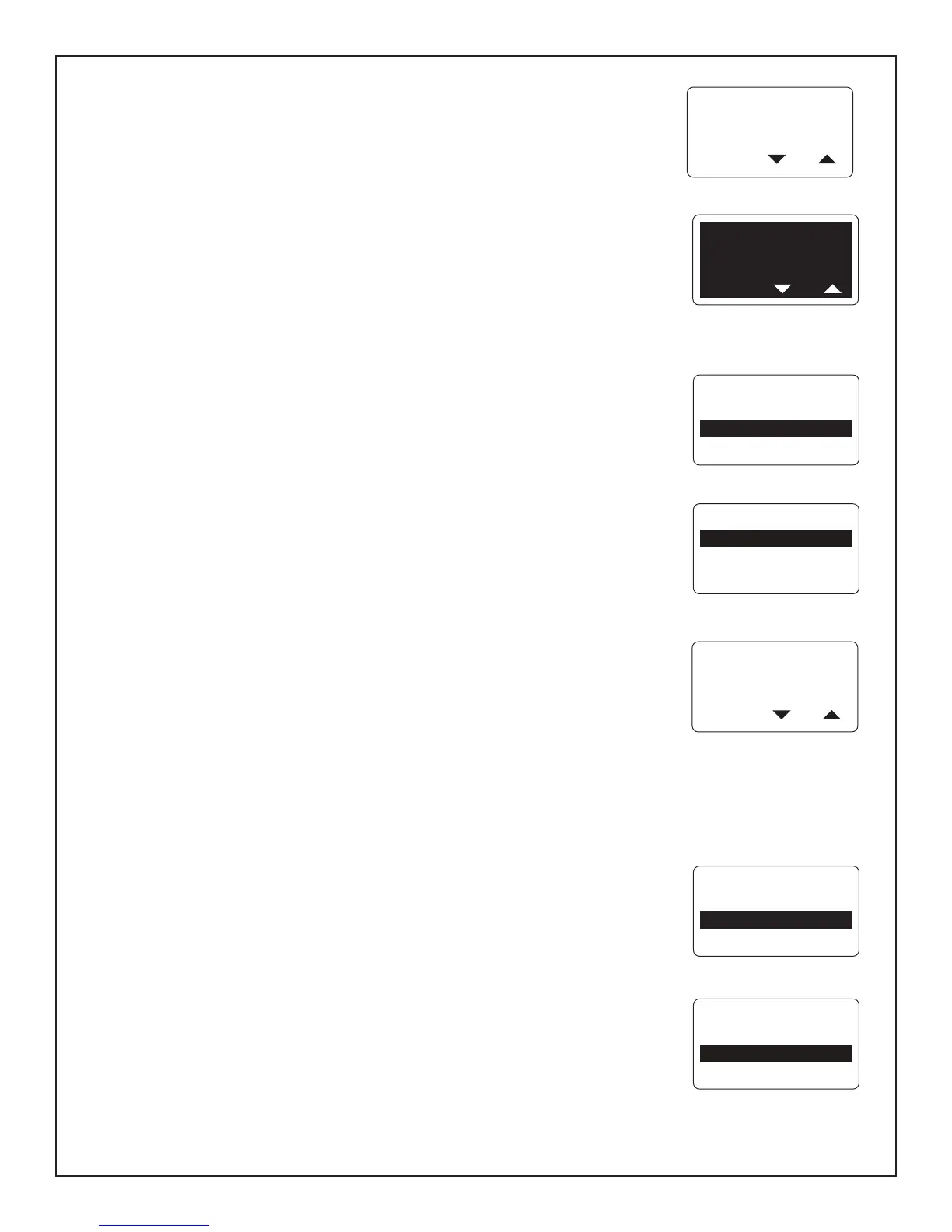
Contrast Settings
7KHUHDUHGH¿QHGFRQWUDVWOHYHOV7KHFRQWUDVWOHYHOZLOOFKDQJHWRQHJDWLYHPRGH
ZKLWHIRQWRQGDUNEDFNJURXQGKDOIZD\WKURXJKWKHSUHGH¿QHGFRQWUDVWVHWWLQJV
4) Press the UP button to increase or the DOWN button to decrease the contrast
OHYHOLQWKH/&'GLVSOD\
5) The contrast setting is automatically saved to the tachometer and synchronized to
all gauges linked to the MG3000
Backlight Settings
By default the Dial Backlight (all gauges connected to the MG3000 tachometer) and
WKH'LVSOD\%DFNOLJKWWDFKRPHWHUDQGVSHHGRPHWHU/&'DUHV\QFKURQL]HGWKH\JHW
brighter or dimmer at the same time. Use the MG3000 tachometer to adjust the lighting
RSWLRQV(QWHUWKH0HQX2SWLRQVPHQXSDJHWKHQ
8VHWKH83RU'2:1EXWWRQWRVHOHFWWKH/,*+7,1*WRDGMXVW
2) Press and hold the MODE button to make the selection.
3) Use the UP or DOWN button to select the lighting level to adjust.
)URP WKH 0* WDFKRPHWHU \RX FDQ DGMXVW WKH WDFKRPHWHU /&' OLJKWLQJ DQG 'LDO
lighting and the System lighting, which will adjust all instruments connected to the
tachometer.
4) Press and hold the MODE button to make the selection.
8VHWKH83EXWWRQWRLQFUHDVHWKHOLJKWLQJLQWHQVLW\RUSUHVVWKH'2:1EXWWRQWR
dim the lighting intensity.
3UHVVDQGKROGWKH02'(EXWWRQWRVDYHWKHVHWWLQJ7KH/&'VFUHHQGLVSOD\V
6(77,1*6$9('DQGWKH0*LVVXHVDQDXGLEOHEHHS
Fuel Level
8VH)8(//(9(/WRTXLFNO\DGGIXHODPRXQWVWRHDFKIXHOWDQNDQGVHWWKHWDQNLQGLFDWRU
)8//DIWHUDIXHO¿OOXS%\NHHSLQJDFFXUDWHDFFRXQWVRIWKHIXHODGGHGWRWKHWDQNV
DW¿OOXSWKH0*WDFKRPHWHUFDQKHOS\RXE\FDOFXODWLQJDFFXUDWHIXHOHFRQRP\
YDOXHVVXFKDV)XHO)ORZ5DQJHDQG7ULSGDWD
(QWHUWKH0HQX2SWLRQVPHQXSDJHWKHQ
8VHWKH83RU'2:1EXWWRQVWRVHOHFW)8(//(9(/
2) Press and hold the MODE button to make the selection.
3) Use the UP or DOWN buttons to select the fuel tank to make an adjustment to.
4) Press and hold the MODE button to enter the selection.
)ROORZWKHVWHSVLQWKHQH[WVHFWLRQV
ADJUST
LCD
CONTRAST
PRESS OR
HOLD MODE
TO ENTER
LIGHTING
CONTRAST
ADJUST
LCD
CONTRAST
PRESS OR
LIGHTING
ADJUST LCD
ADJUST DIAL
ADJUST SYSTEM
ADJUST DIAL
BRIGHTNESS
100 %
PRESS OR
Page 8
SELCT TANK TO
ADD FUEL TO ?
T1: FUEL
T2: FUEL
HOLD MODE
TO ENTER
FUEL LEVEL
EDIT MENU



 To Next Page