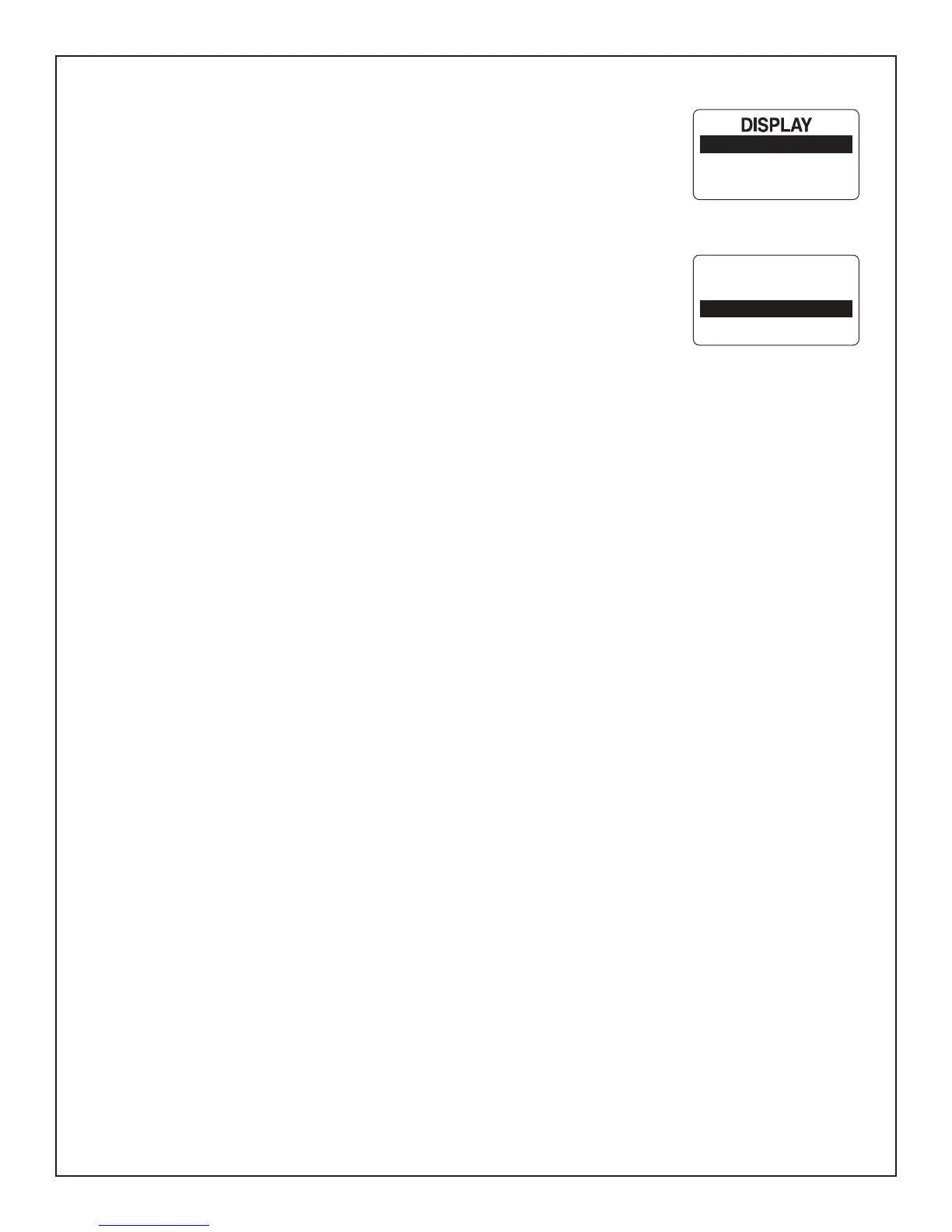
$SSHQGL[(GLW0HQX'LVSOD\6HWWLQJV
LCD Color (Not available with all MG3000 packages)
7KH0*JDXJHSDFNDJHKDVWKHDELOLW\WRFKDQJHWKHFRORURIWKH/&'EDFNOLJKW
7RFKDQJHWKHFRORURIWKH/&'EDFNOLJKWLQJHQWHUWKH',63/$<PHQXSDJHDQG
then:
8VHWKH83RU'2:1EXWWRQVWRVHOHFW/&'&2/25
2) Press and hold the MODE button to enter the selection.
3) Use the UP or DOWN buttons to select the desired color.
Note: 7KH FRORU FKRLFHV DUH :+,7( <(//2: *5((1 <(//2: *5((1 '$5.
6($*5((1&<$1%/8(3853/(3,1.*2/'(152'RU7$1
4) Press and hold the MODE button to save selection.
LCD COLOR
# OF SCREENS
SCREEN SETUP
CHOOSE LCD
COLOR
WHITE
YELLOW
Page 23



 To Next Page