EN
of scales can be found on the side sticker of the meter. Choose
from the list, the appropriate scale for your grain. There is an
additional -0- scale in the meter. -0- scale is used by Wile service
department to calibrate the meters.
-0- scale is a basic scale which can also be used together with
conversion charts. In this case you make the measurement using
-0- scale and find the corresponding moisture value from the chart.
2.7. Checking the scale
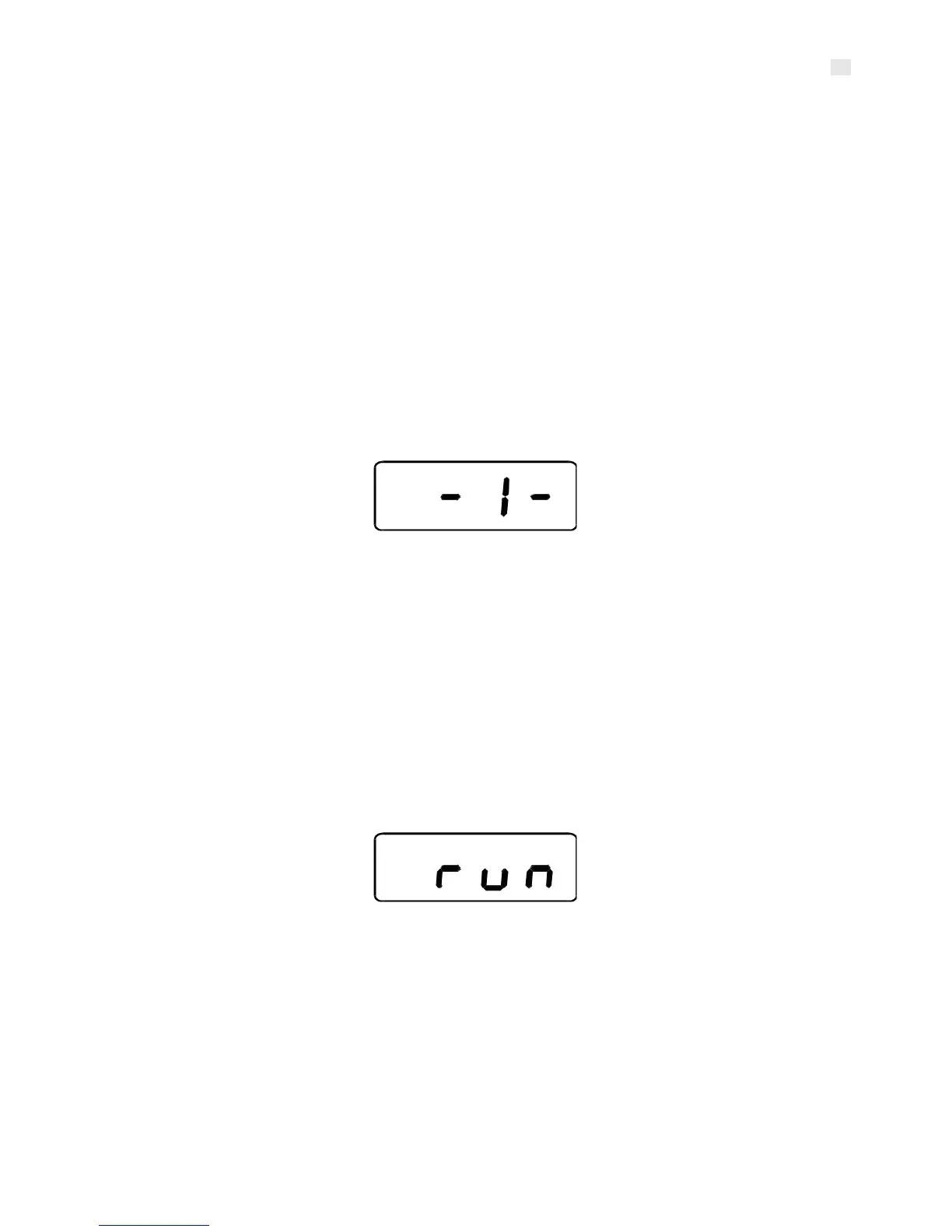
Switch on the meter with a single press on the P-button. Wait the
number of the currently selected scale, for example -1-, to appear
on the display.
2.8. Choosing the scale
Switch on the meter with a single press on the P-button. Wait the
number of the currently selected scale, for example -1-, to appear
on the display. When the number of the scale is displayed, you can
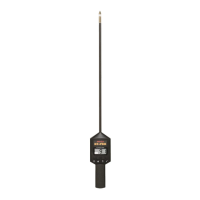
change the scale by pressing the F- button. When the number of the
correct scale is displayed, keep waiting. You will see run on the
display and in a moment the meter will turn off. Now the meter is
ready for use.
2.9. Display the scale adjustment
If you want to adjust the scale or if the selected scale has already
been adjusted, see paragraphs 3.4. and 3.5.
7


 To Next Page