EasyManua.ls Logo

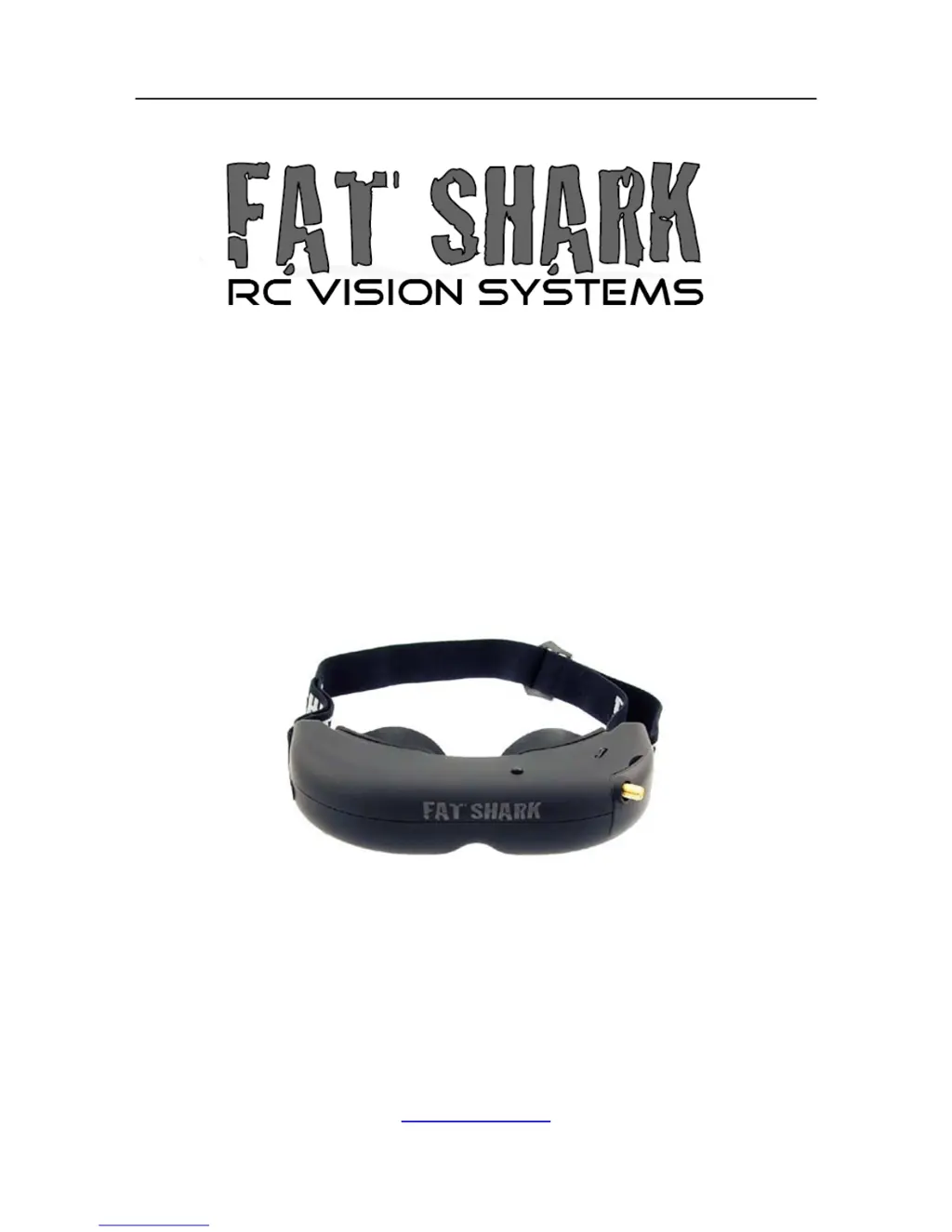
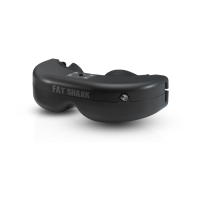
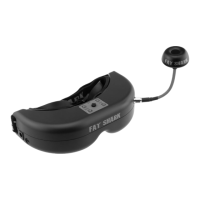
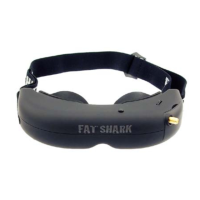
Fat Shark ATTITUDE V3 FSV1045 - User Manual

Fat Shark ATTITUDE V3 FSV1045
12 pages
Print Icon
To Next Page IconTo Next Page
Loading...
Fat Shark 1 RC Vision Systems
ATTITUDE V3
MODEL FSV1045
USER MANUAL
Revision A 09/10/2015
For more product information, please visit:
www.fatshark.com
All Rights Reserved

Questions and Answers

  • S
    Shelby SmithAug 12, 2025
    What to do if my Fat Shark ATTITUDE V3 FSV1045 display is completely dark with no image?
    • S
      suzannewiseAug 13, 2025
      If your Fat Shark Accessories display is completely dark, it's likely due to a lack of power. Check all power connections to ensure they are properly connected.
  • J
    John ReynoldsAug 16, 2025
    Why is my Fat Shark ATTITUDE V3 FSV1045 Accessories showing lots of interference lines (horizontal lines)?
    • L
      Lonnie BaldwinAug 16, 2025
      If you're seeing a lot of interference lines (horizontal lines) on your Fat Shark Accessories, try selecting a cleaner channel to reduce the interference.
  • L
    lisarobinsonAug 20, 2025
    What to do if Fat Shark ATTITUDE V3 FSV1045 Accessories head tracker is not working but I can hear beeps?
    • M
      Melissa WilkersonAug 20, 2025
      If the head tracker on your Fat Shark Accessories isn't working but you can hear beeps, try the following: * Ensure the headset is turned on before the RC radio. * Review the controller manual for the correct settings. * Check that the servos are plugged into the correspondingly selected channels.
  • T
    Timothy HensleyAug 25, 2025
    What to do if my Fat Shark ATTITUDE V3 FSV1045 has short range?
    • A
      April Smith DDSAug 25, 2025
      If you're experiencing short range with your Fat Shark Accessories, consider the following: * Make sure the 5.8GHz antennas are installed. * Turn off the transmitter and check for other sources of interference. * Ensure the transmitter has a clear line of sight to the headset, testing in an open area away from obstructions.
  • N
    nwilliamsAug 28, 2025
    What to do if I see lots of interference lines when using 5.8Ghz receiver on my Fat Shark ATTITUDE V3 FSV1045 Accessories?
    • N
      Nicole ChavezAug 28, 2025
      If you're getting a lot of interference lines (horizontal lines) when using the 5.8GHz receiver on your Fat Shark Accessories, check if it's harmonic interference from a 2.4GHz RC controller by turning the radio on and off. Also, use CH1 on the TX/headset, as it's not affected by 2.4GHz, and ensure the correct frequency antenna is used.
  • K
    Kathleen SheaAug 31, 2025
    What causes white dots on the LCD display of my Fat Shark ATTITUDE V3 FSV1045 Accessories?
    • J
      John PattersonAug 31, 2025
      White dots on the LCD display of your Fat Shark Accessories are caused by careless exposure of the goggles to the sun, which results in the sun burning off the LCD color filter.
  • J
    Jennifer DelgadoSep 4, 2025
    What to do if my Fat Shark ATTITUDE V3 FSV1045 display is glowing dark grey with no image?
    • L
      Linda HuberSep 4, 2025
      If your Fat Shark Accessories display is glowing dark grey but showing no image, try the following: * If using a wireless module, turn on RX power on the bottom of the headset. * If using an AV in cable, check the video source. * Ensure the TX is on and camera connections are solid. * Make sure the lens cap is removed from the camera. * If powering a 12V camera, connect it directly to the RC pack instead of using the 5V TX supply.
  • K
    kathrynturnerSep 8, 2025
    Why does my Fat Shark ATTITUDE V3 FSV1045 head tracker stop working after a short time?
    • G
      gtaylorSep 8, 2025
      If the head tracker on your Fat Shark Accessories stops working after a short time, the auto disengage function may be activated. Follow the menu instructions to turn it off.

Fat Shark ATTITUDE V3 FSV1045 Specifications

General IconGeneral
Display TypeLCD
Power ConsumptionApprox. 3W
Built-in DVRNo
Video InputNTSC/PAL
CompatibilityFPV systems
IPDAdjustable
SupportsNTSC/PAL
Power7-13 V
Wireless Receiver5.8GHz
Head TrackerOptional
Diopter AdjustmentOptional
Field of View32 degrees

Related product manuals