53
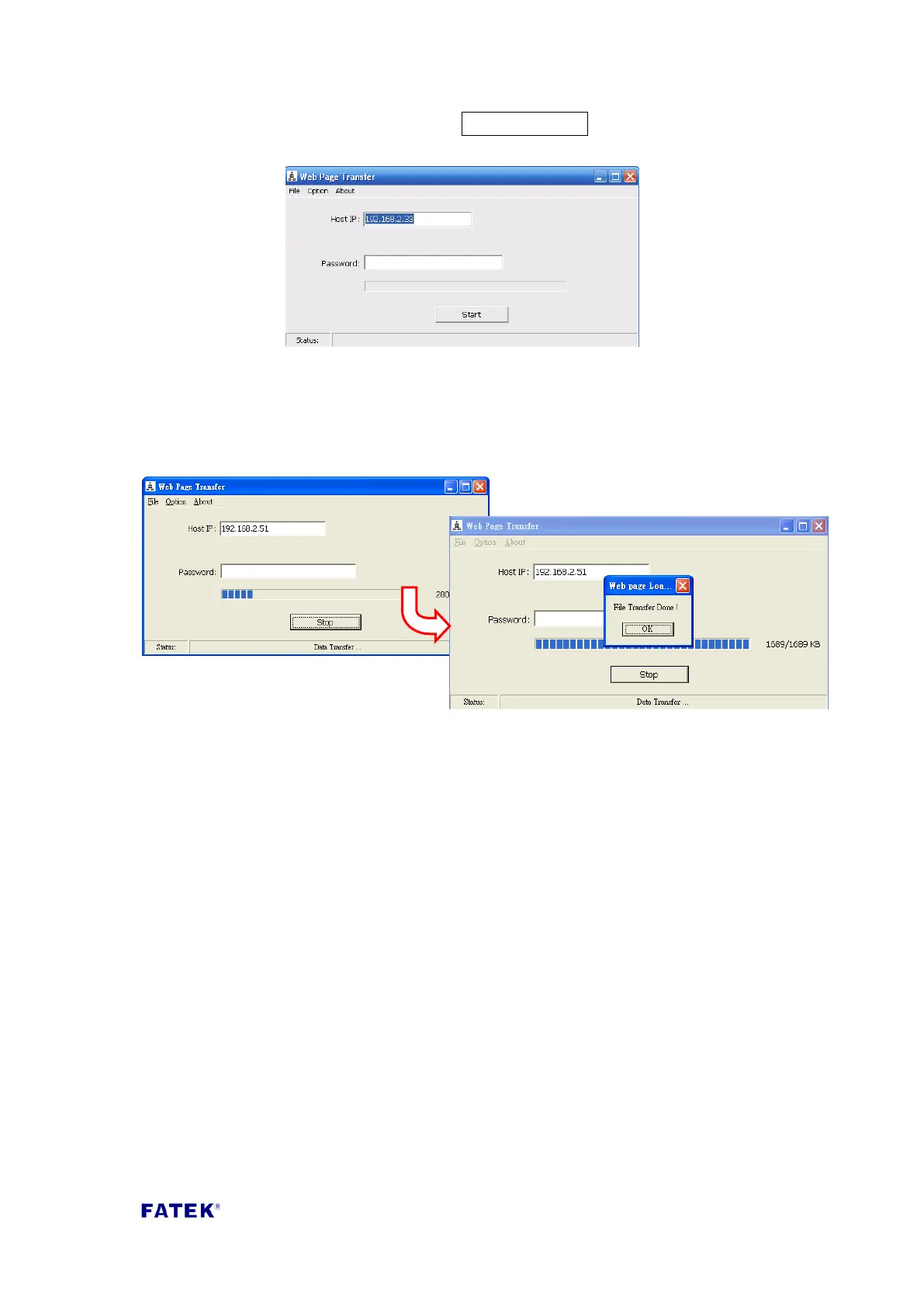
“Password” field, and then press the Start Download button to execute the
download.
Step 3, confirm the sending progress.
While downloading the current transfer progress will be shown; it is used to confirm
whether the transfer is executing normally. When the transfer is complete, the hint
message window “File Transfer Done” will appear, indicating that the file transfer is
complete.



 To Next Page