10
evation |
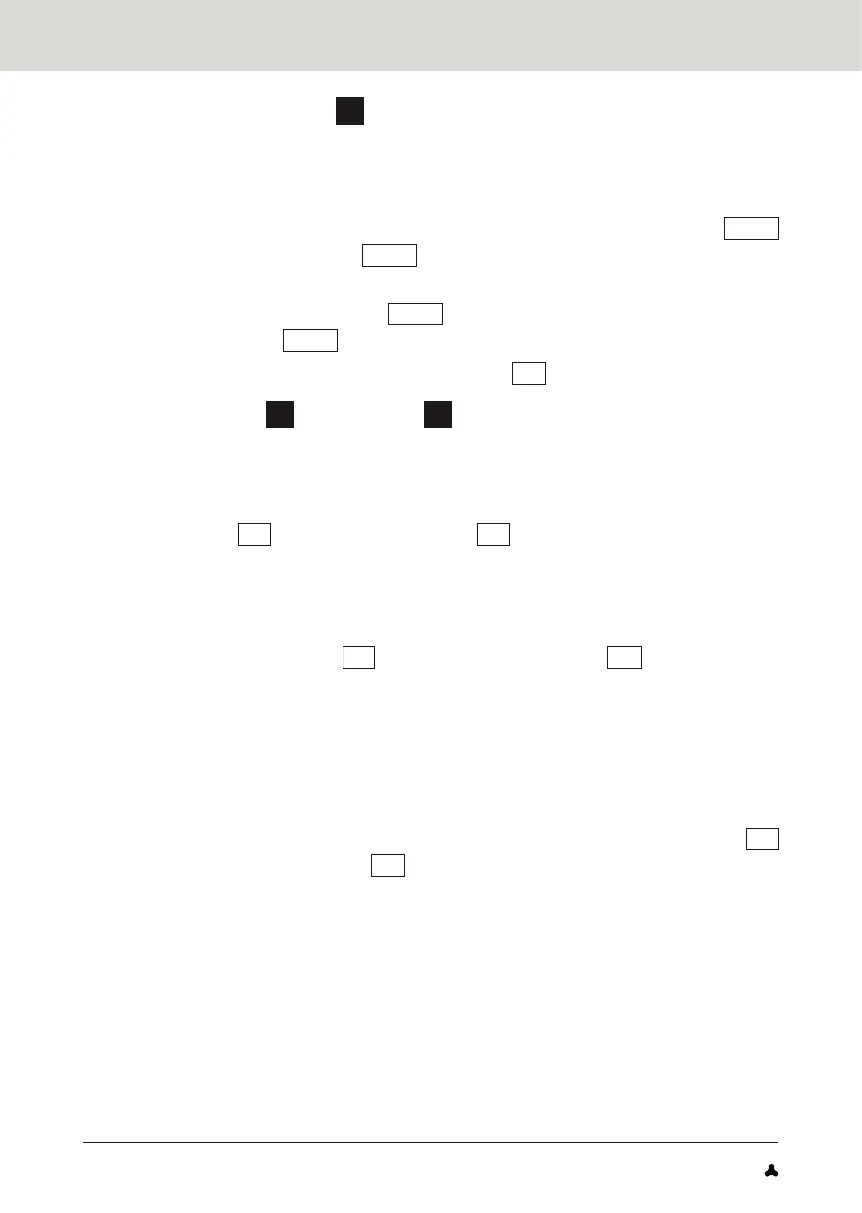
Remote the Drivepack
A
from the e-bike (→ Figure 3)
→ If you press the Drivepack firmly against the frame before pressing the push
button or releasing the locking lever, it will be easier to release the Drivepack
from the locking device on the frame when removing it.
1. Secure the Drivepack with one hand and press the push button
A3.1
or move the locking lever
A3.2
upwards as far as possible to release
the Drivepack from the lock.
2. Hold down the push button
A3.1
and carefully lower the Drivepack.
The locking lever
A3.2
automatically remains in the open position.
3. Remove the Drivepack from the interface
B1
of the Bottom Bracket.
Charge battery
D
with charger
E
(→ Figure 4)
→ The battery can remain in the Drivepack during charging, or you can remove
the battery from the Drivepack and charge it separately.
1. Before charging the battery, prepare the charger by connecting the
mains cable
E3
to the mains adapter
E1
.
IMPORTANT: Only use the corresponding FAZUA charger to charge
the battery.
2. Remove the Drivepack from the e-bike.
3. Insert the charging plug
E2
into the charging socket
D3
on the battery.
4. Plug the power plug into a suitable socket. The charging process starts
automatically after connection to the mains.
IMPORTANT: The charger may only be used in dry indoor areas!
5. Disconnect the charger from the mains by unplugging the mains plug
from the socket when charging is complete or to interrupt charging.
6. Disconnect the charger from the battery by pulling the charger plug
E2
out of the charging socket
D3
on the battery.


 To Next Page