9
| evation
Handling steps before or during the trip
→ see figures page 8.
Insert battery
D
in Drivepack
A
(→ Figure 1)
1. Make sure that the battery is undamaged (visual check).
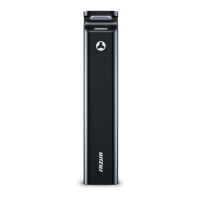
2. Press the on/off button
D4
once, to turn on the battery.
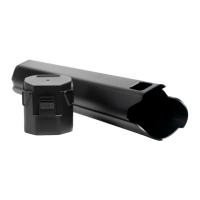
3. Carefully insert the battery as far as possible into the battery
holder
A2
.
The battery is automatically locked when you have inserted it correctly.
IMPORTANT: Do not use the drive system if the battery cannot be
locked.
Remove battery
D
from Drivepack
A
(→ Figure 1)
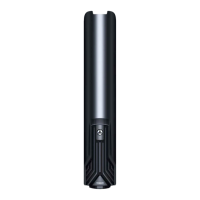
1. Secure the battery with one hand and press the push button
D2
with the other hand to release the battery from the lock.
2. Hold down the push button
D2
, grasp the battery on the two side
handles and gently pull the battery out of the battery holder
A2
.
Insert Drivepack
A
(incl. battery) into the e-bike (→ Figure 2)
1. Place the Drivepack on the interface
B1
of the Bottom Bracket.
2. Swing the upper end of the Drivepack into the downtube.
The Drivepack is automatically locked in the locker when you have
correctly placed the Drivepack and completely swivelled it into the
intended position in the downtube.
The push button
A3.1
or the locking lever
A3.2
automatically moves
to the closed position.
3. Check the Drivepack is securely in position.
IMPORTANT: Do not use the drive system if the Drivepack cannot be
locked to the e-bike.


 To Next Page