7
| evation
E
A
Drivepack
A1
→
Interface (Bottom Bracket)
A2
→
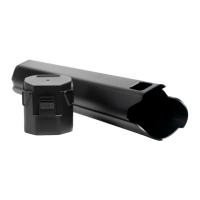
Battery holder
A3
→
Push button (3.1)/locking lever (3.2)
B
Bottom Bracket
B1
→
Interface (Drivepack)
C
Remote (Remote b/Remote fX/Remote bX)
C1
→
Button/touch sensor (top)
C2
→
Centre button
C3
→
Button/touch sensor (bottom)
C4
→
Status display
C5
→
Display of charging level/support level
D
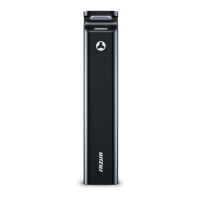
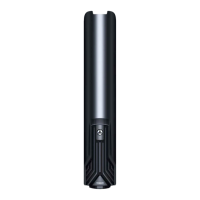
Battery (Battery 250/Battery 250 X)
D1
→
Interface (Drivepack)
D2
→
Pushbutton (battery lock)
D3
→
Charging socket
D4
→
On/off button
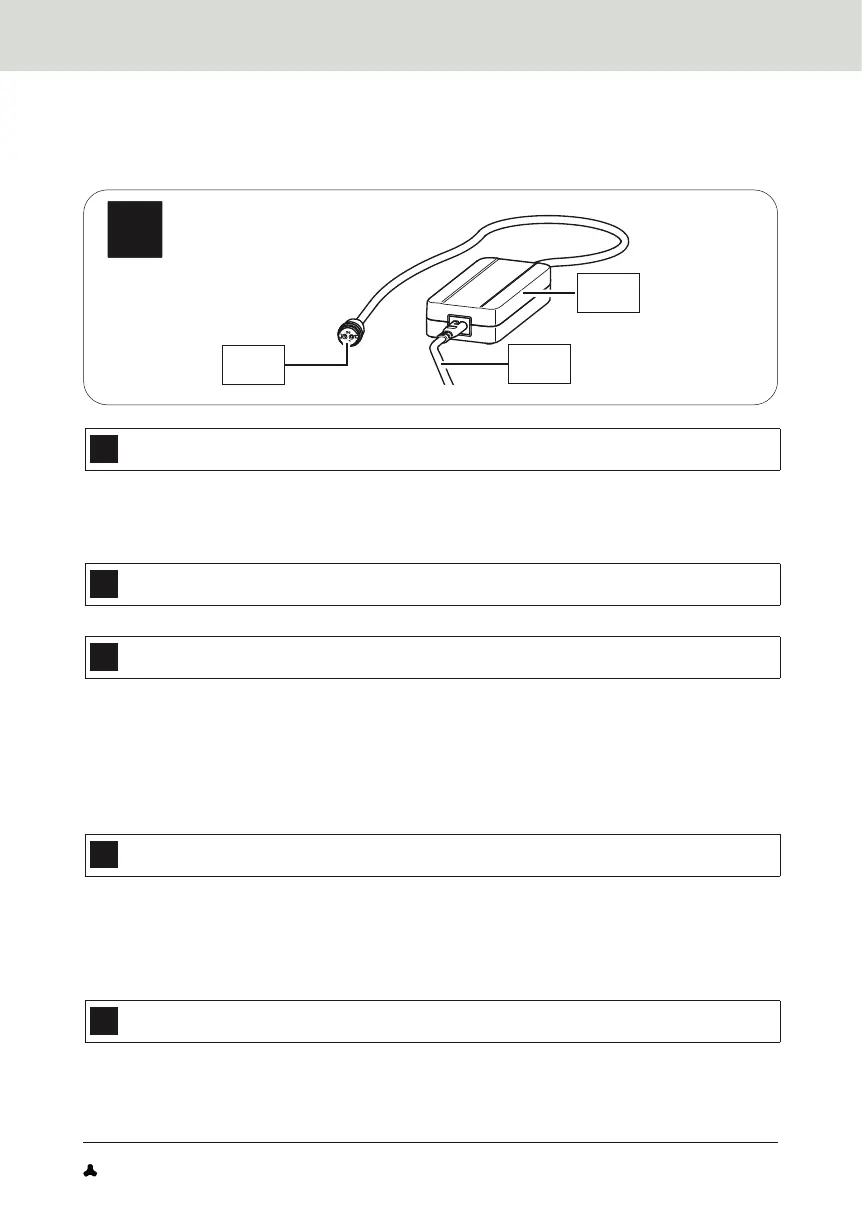
E
Charger (Charger A, Charger S (EU/US))
E1
→
Mains adapter
E2
→
Charging plug
E3
→
Mains cable with mains plug


 To Next Page