FCAR Series Product Operation Manual Instruction
11
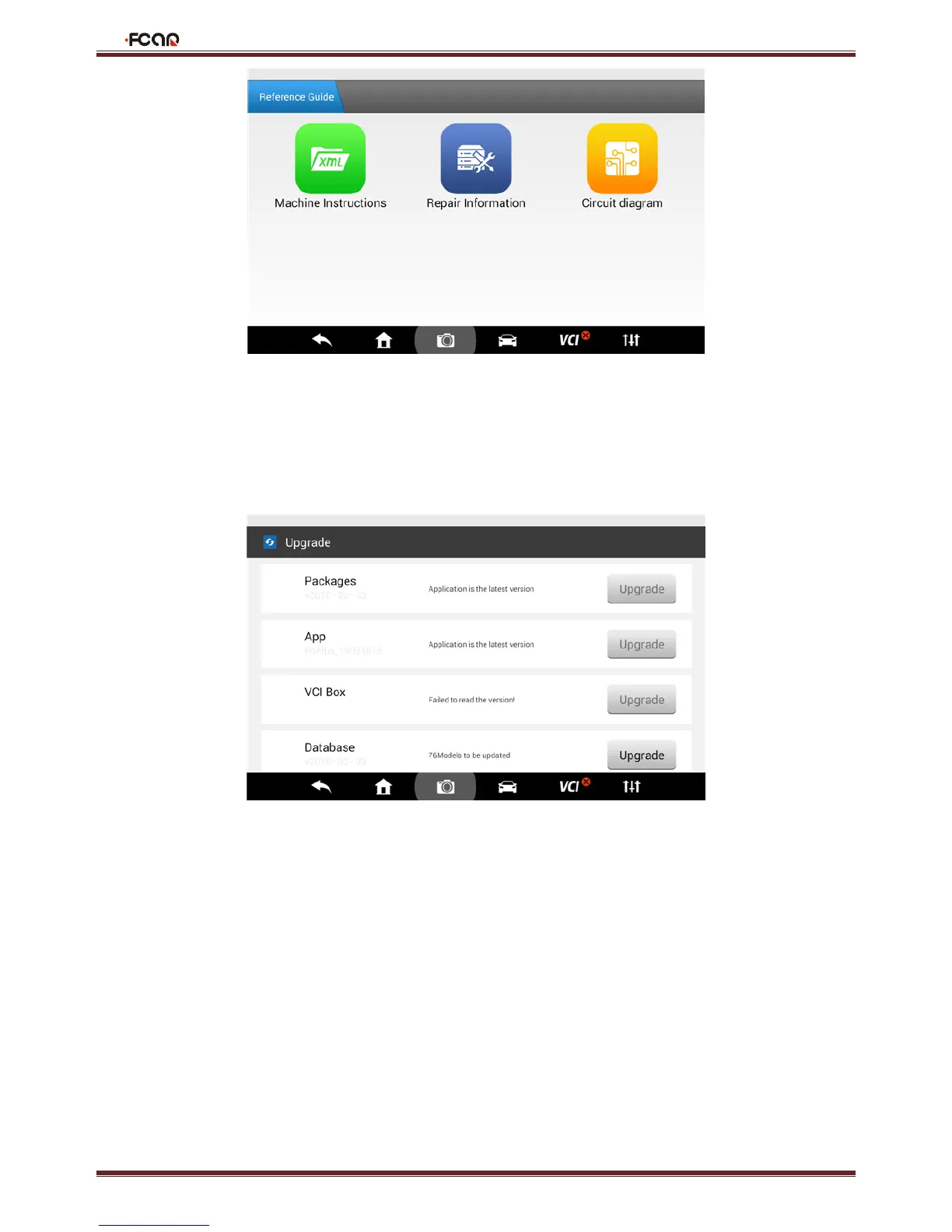
4.6 Upgrade
When connected to the Internet via Wi-Fi or cable interface, upgrade the diagnostic software to improve the product
performance timely.
4.7 Settings
Set the system Language, Units, User Info, Self-Test, Activation, Print Settings, Push Notification, About Us and other
functions.



 To Next Page