FCAR Series Product Operation Manual Instruction
8
Chapter IV F6 Plus host menu description
Power on the host (press for 5 seconds) through the power switch mentioned above;
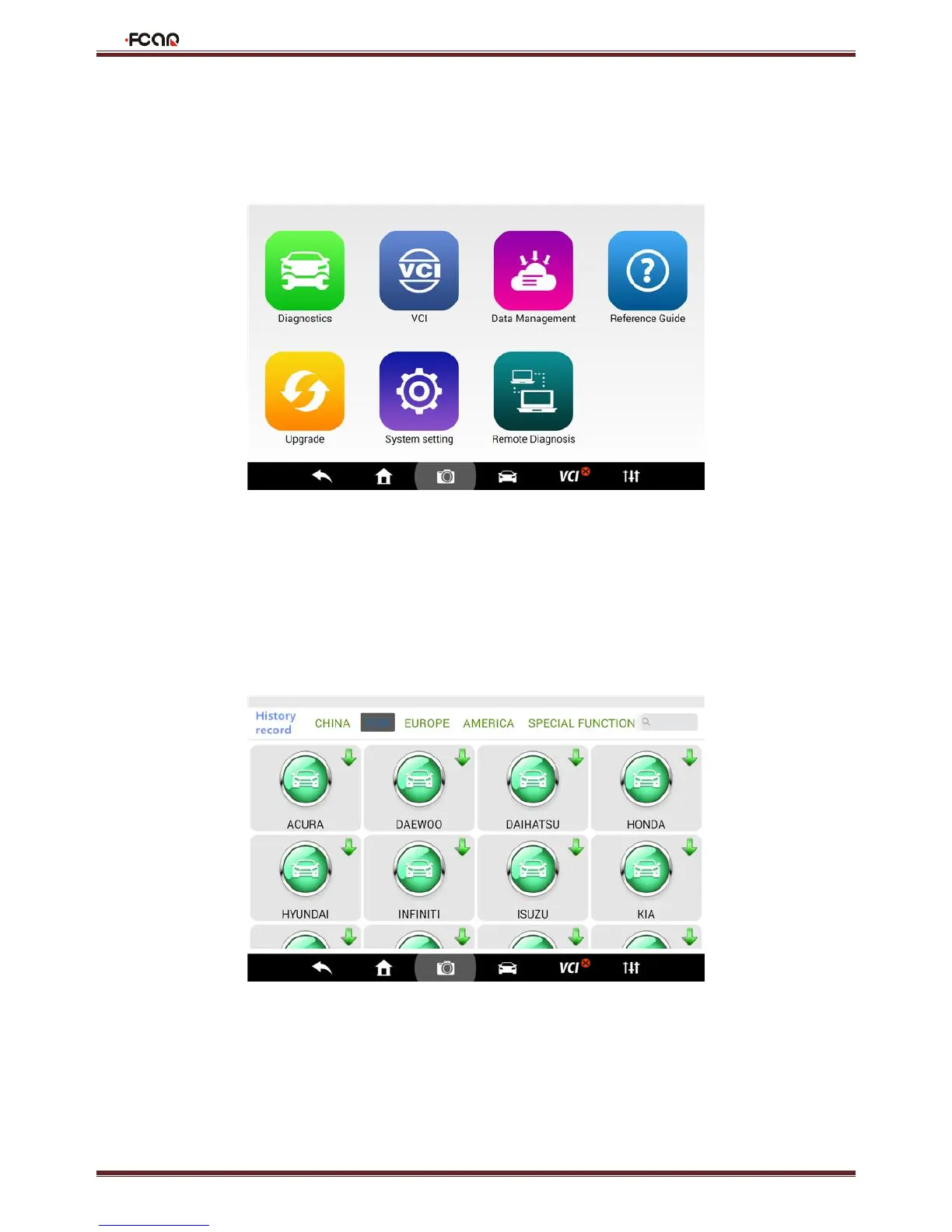
Enter the main interface:
4.1 Vehicle Diagnosis
Enter from this [Vehicle Diagnosis] menu to perform vehicle diagnosis. A series of vehicles fault diagnosis can be carried
out.Since there are different models of the product, such as petrol version version, please subject to the actual display
menu.



 To Next Page