FCAR Series Product Operation Manual Instruction
16
Chapter V Vehicle Diagnosis
5.1 Connection method of host and VCI
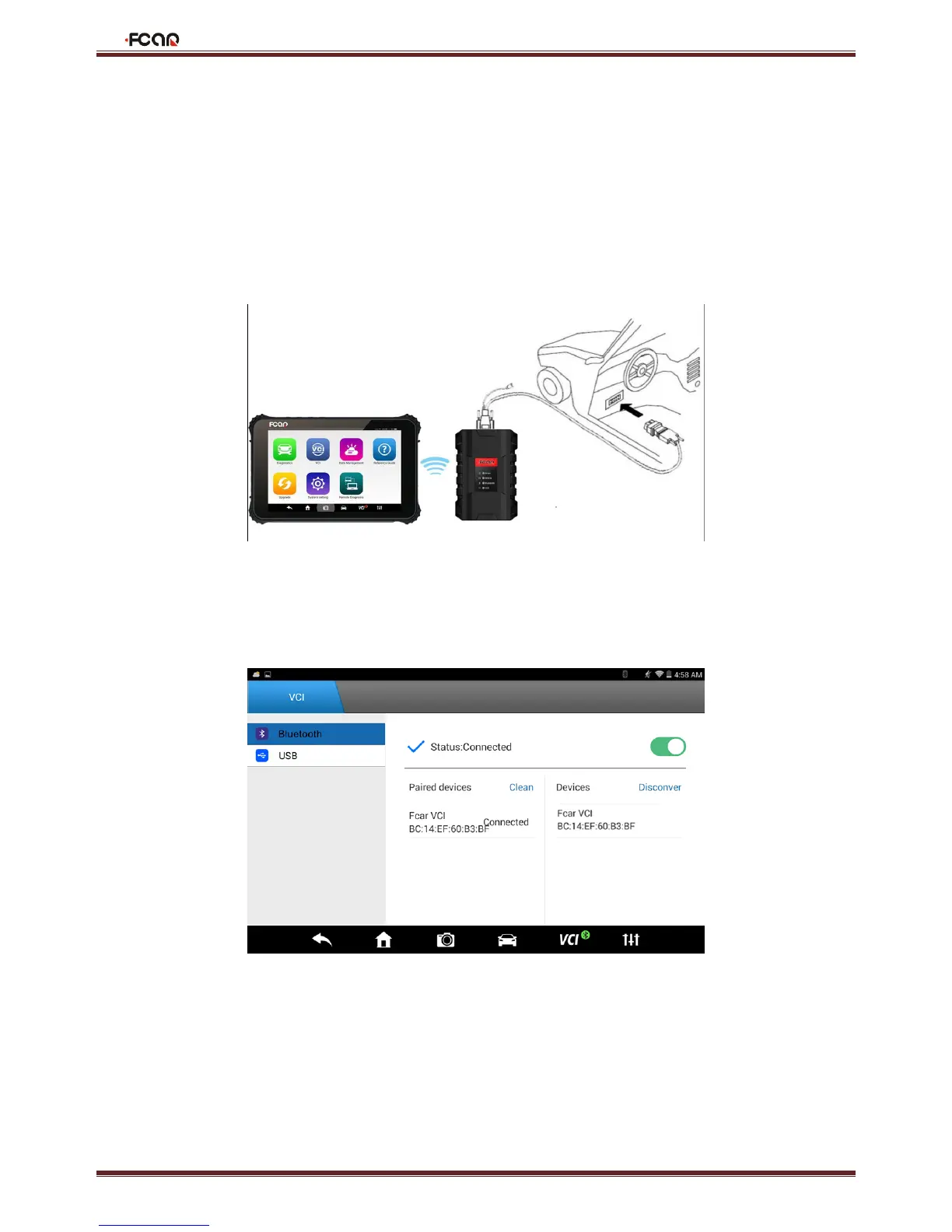
Connect the VCI box to the vehicle to be diagnosed via the main test line and diagnostic connector
Turn on the machine, enter [Settings]-[VCI connection]. It can be connected via Bluetooth and USB cable:
First: Connect the host with VCI box via Bluetooth
1. It is default paired and will automatically connect when used.
If the VCI indicator is not connected, click on "Search";



 To Next Page