PP-9260 series user’s manual ver 1.0
10
Device Driver Installation
PP-9265/PP-9267 comes with a variety of drivers for different operating systems.
You will find 1 CD with PP-9265/PP-9267.
The CD has all the necessary drivers to setup PP-9265/PP-9267.
Driver installation sequence:
Chipset (should be the first step) -> Graphics -> Ethernet -> Audio-> TouchScreen
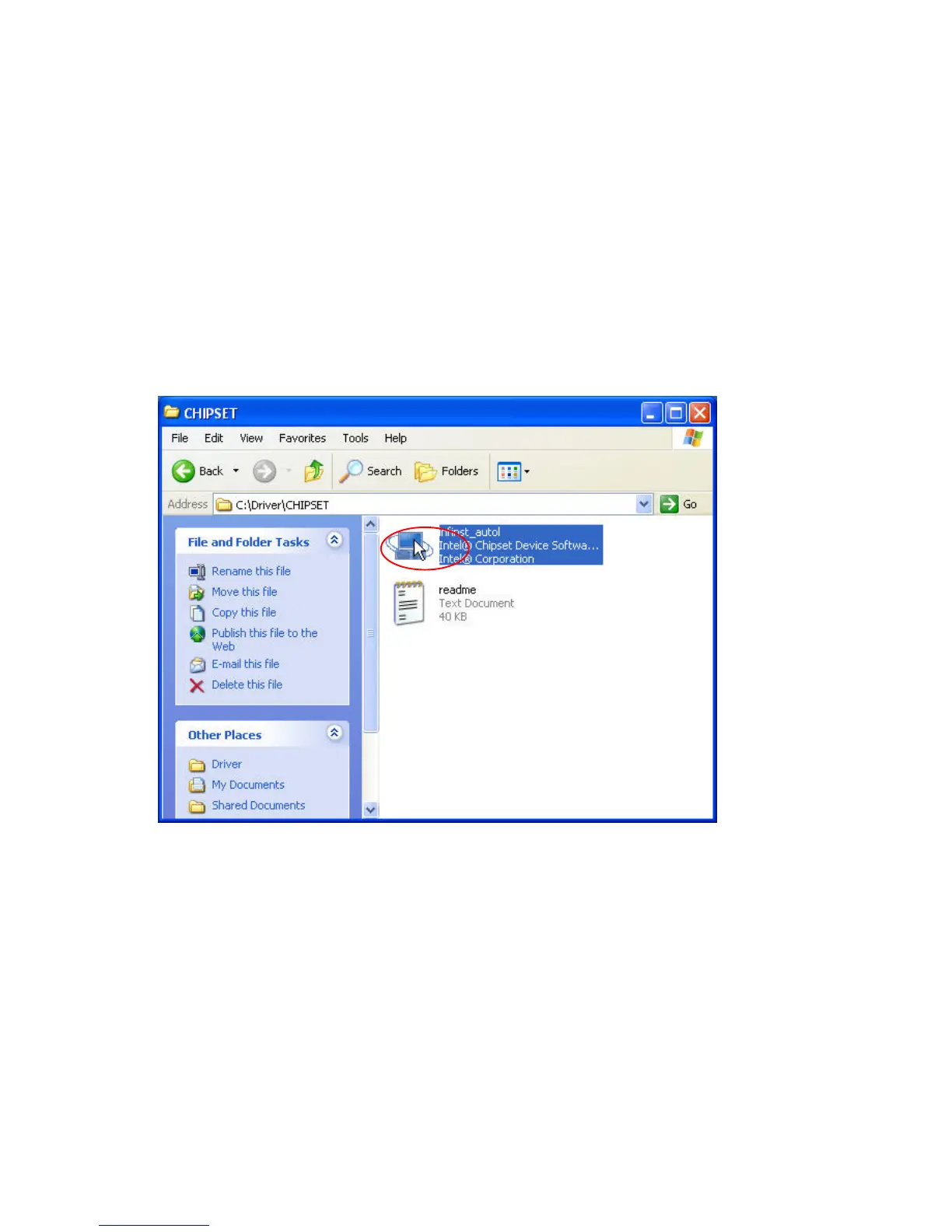
Intel Chip Set Driver Installation for Windows XP Operating Systems
1. Insert the CD into your CD ROM Drive.
2. Locate D:\Driver\chipset folder
3. Double click infinst_autol.exe



 To Next Page