PP-9260 series user’s manual ver 1.0
22
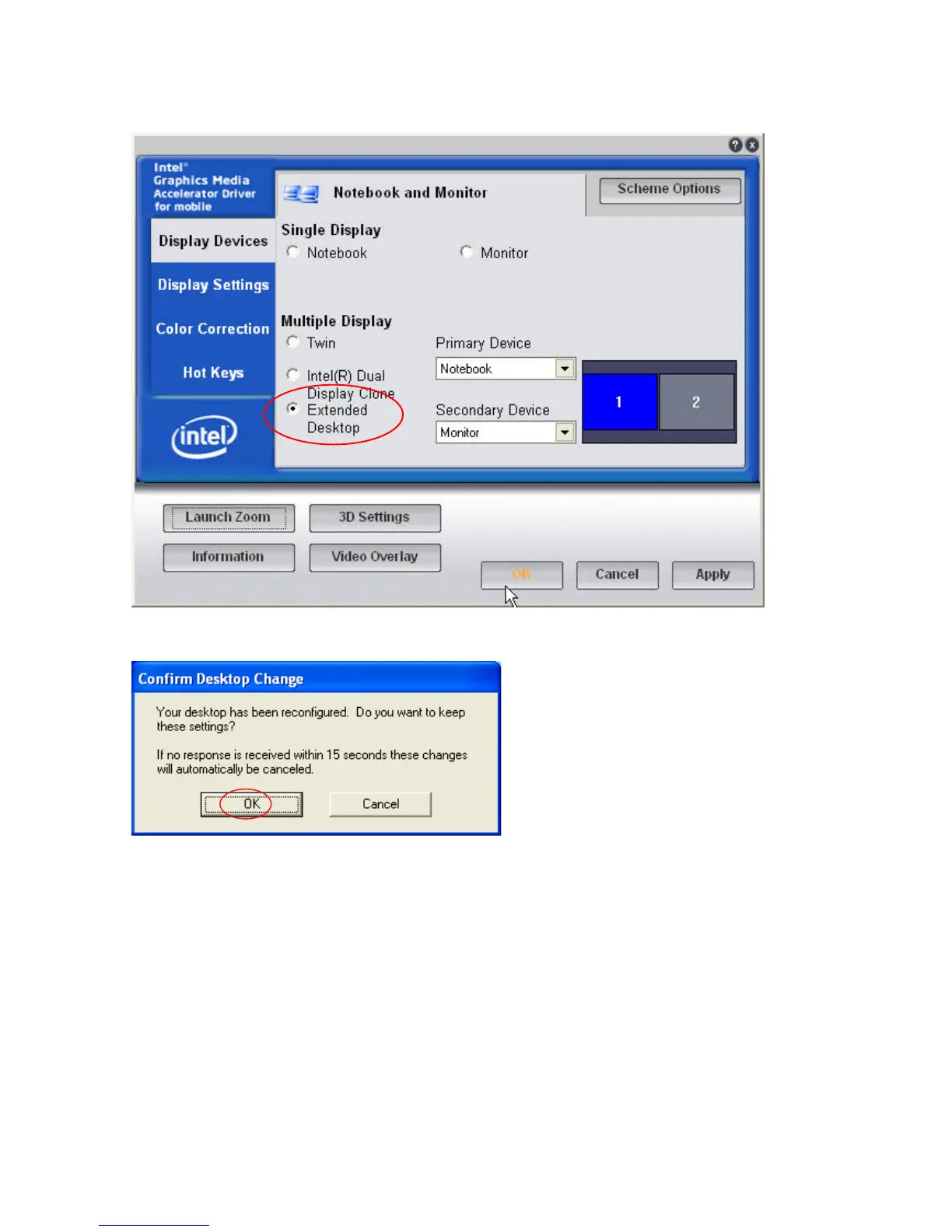
10. Click Extended Desktop and select Notebook for primary device, monitor for secondary
device.
11. Click OK.
12. Select the second LCD panel. This is done either by clicking on the number 2 or selecting
from the dropdown menu.
For the second LCD panel make sure that Extend my Windows desktop onto this monitor is
selected.
13. Click Apply then click OK to finish the settings.
Note. During boot sequence “No Sync” will appear on the second LCD panel.
The boot sequence can take a minute or so when a second LCD panel is installed.



 To Next Page