PP-9260 series user’s manual ver 1.0
33
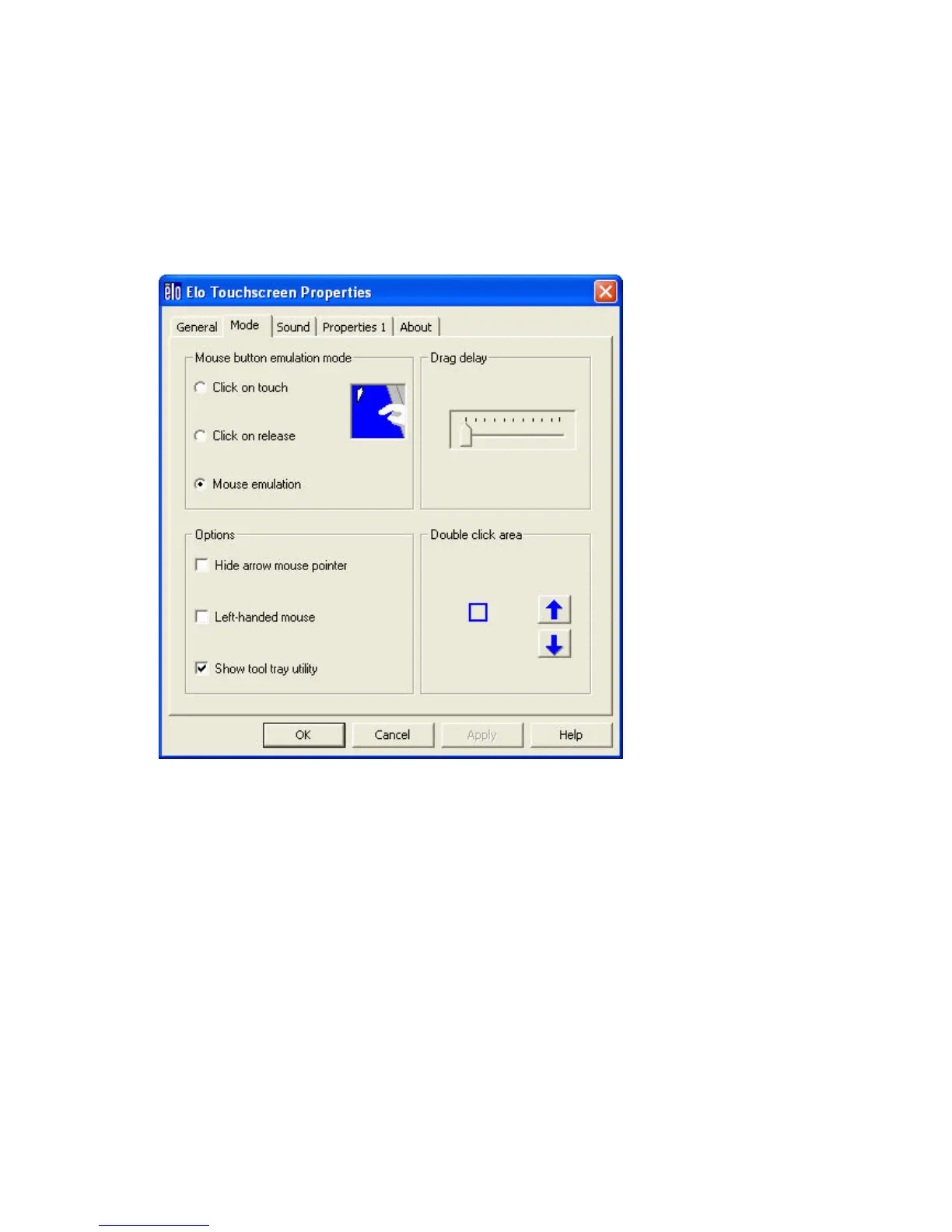
Mode tab
The Buttons tab allows you to:
• Adjust all mouse emulation controls.
• Change cursor properties
• Enable or disable right mouse button utility.
Sound tab
The Sound tab allows you to:
• To change sound properties for ELO touch tools.



 To Next Page