FeelTech
FY3200S Series User’s Manual 9
5、Offset adjustment
In chosen main and subsidiary waveform interface, press 【PARM】button to make the cursor point
to the value of offset (Offset=). Use【◄】and【►】buttons and 【ADJ】knob to change the value.
As follows:
6、Duty cycle adjustment
In chosen main and subsidiary waveform interface, press 【PARM】button to make the cursor point
to the value of duty cycle (DUTY=). Use【】and【】buttons and 【ADJ】knob to change the value.
(Duty cycle adjustment is invalid for Sine wave).As follows:
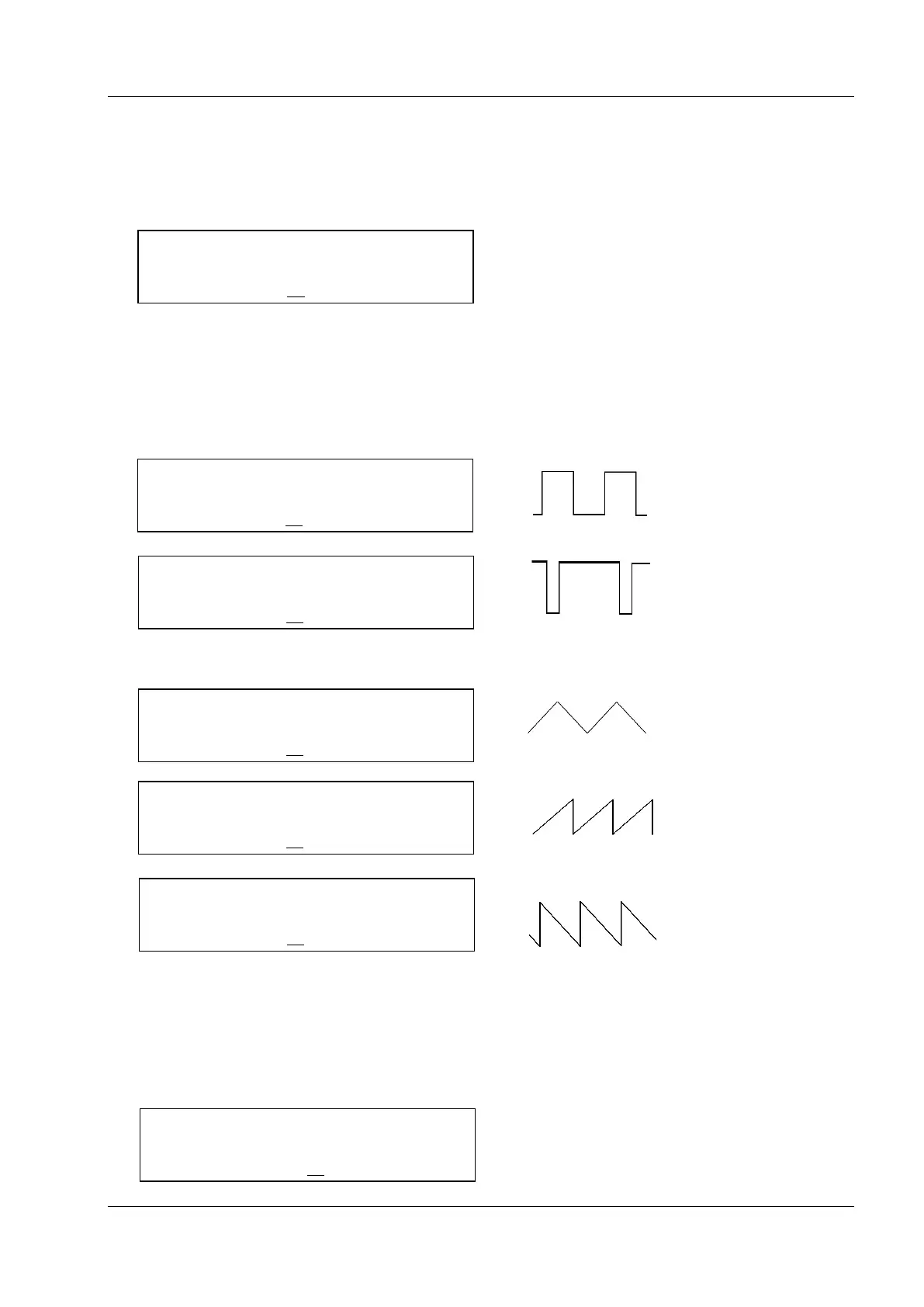
Duty cycle for Square wave can be adjusted from 0.1% to 99.9%.
(WAVE=SQUR)
(WAVE=SQUR)
Triangle wave adjustable among 50% (standard TRGL), above 50% and below 50% (both are
different sawtooth waves).
(WAVE=TRGL)
(WAVE=TRGL)
(WAVE=TRGL)
7、Phase adjustment
In chosen Subsidiary waveform interface, press 【PARM】button to make the cursor point to the
value of phase(Phase=). Use【】and【】buttons and 【ADJ】knob to change the value of DC
offset. The phase difference of main wave and subsidiary wave can be adjusted from 0º to 359º. As
follows:



 To Next Page