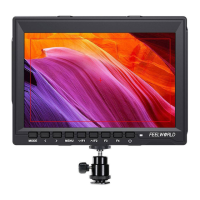
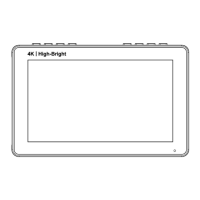
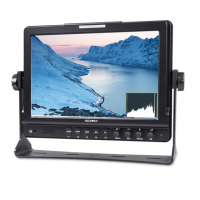
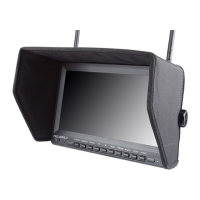
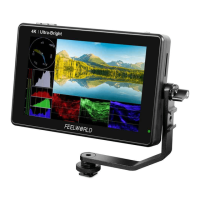
1. Product Description
1.1 Button Instruction
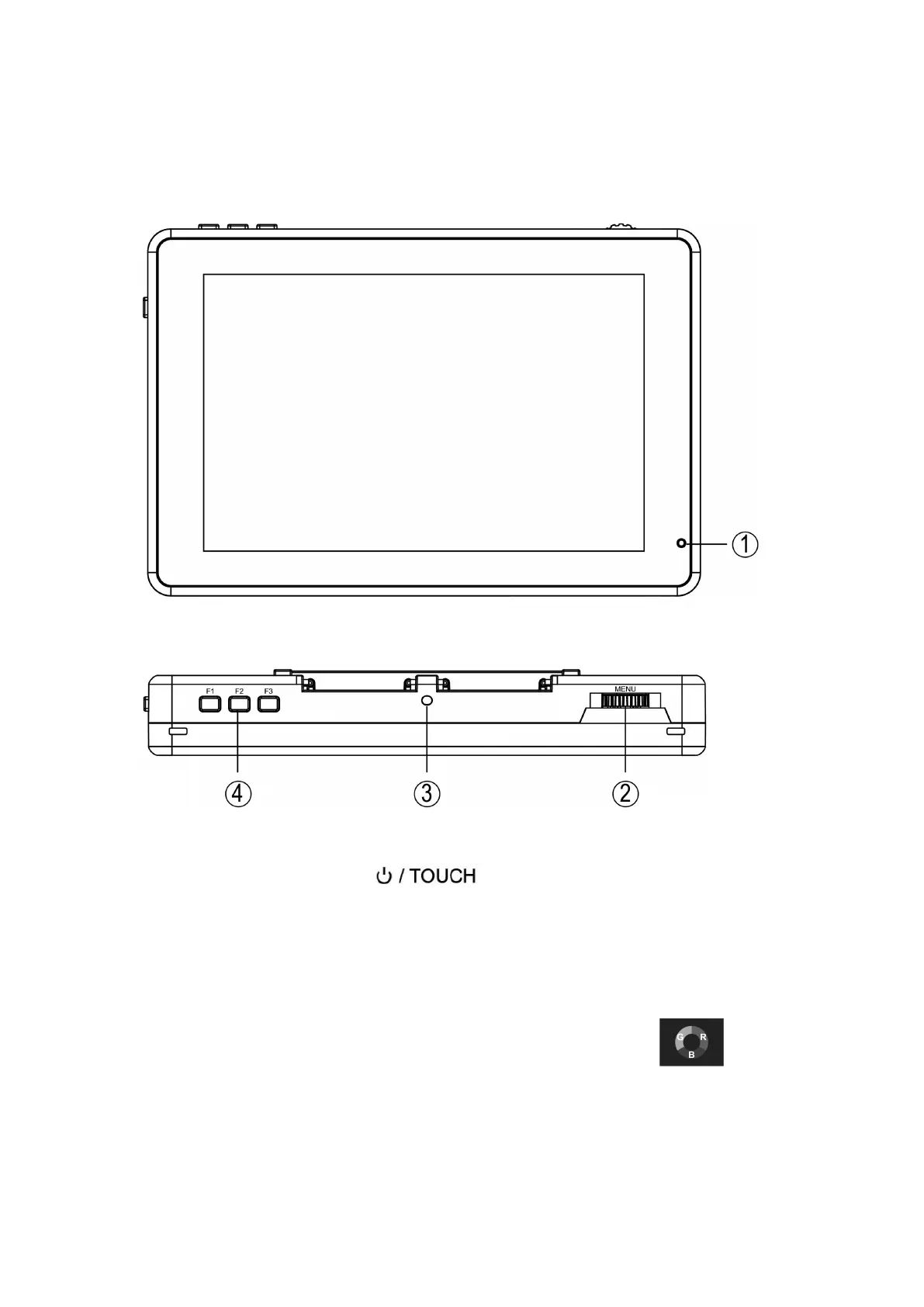
①. Indicator Light: After connecting the power, the indicator light
is on (red). Long Press button to turn on the monitor, it
turns yellow. After the signal is connected, it turns green.
②. MENU: See details: 3.1 MENU Wheel Menu Operation in 3.
Menu Operation Instruction.
③. Light Sensor: The backlight mode under the icon is set
to Auto, and the brightness of the backlight can be adjusted
automatically by the light sensor.
④. F1 ~ F3: Custom function buttons


 To Next Page