Instruction Manual Radar Motion Detector MWD BP 6/13
Manual MWD BP.doc as 07/21/2006 FEIG ELECTRONIC GmbH
3 Parameter Entry
3.1 Open Parameter Entry
a) Remote Control MWD RC
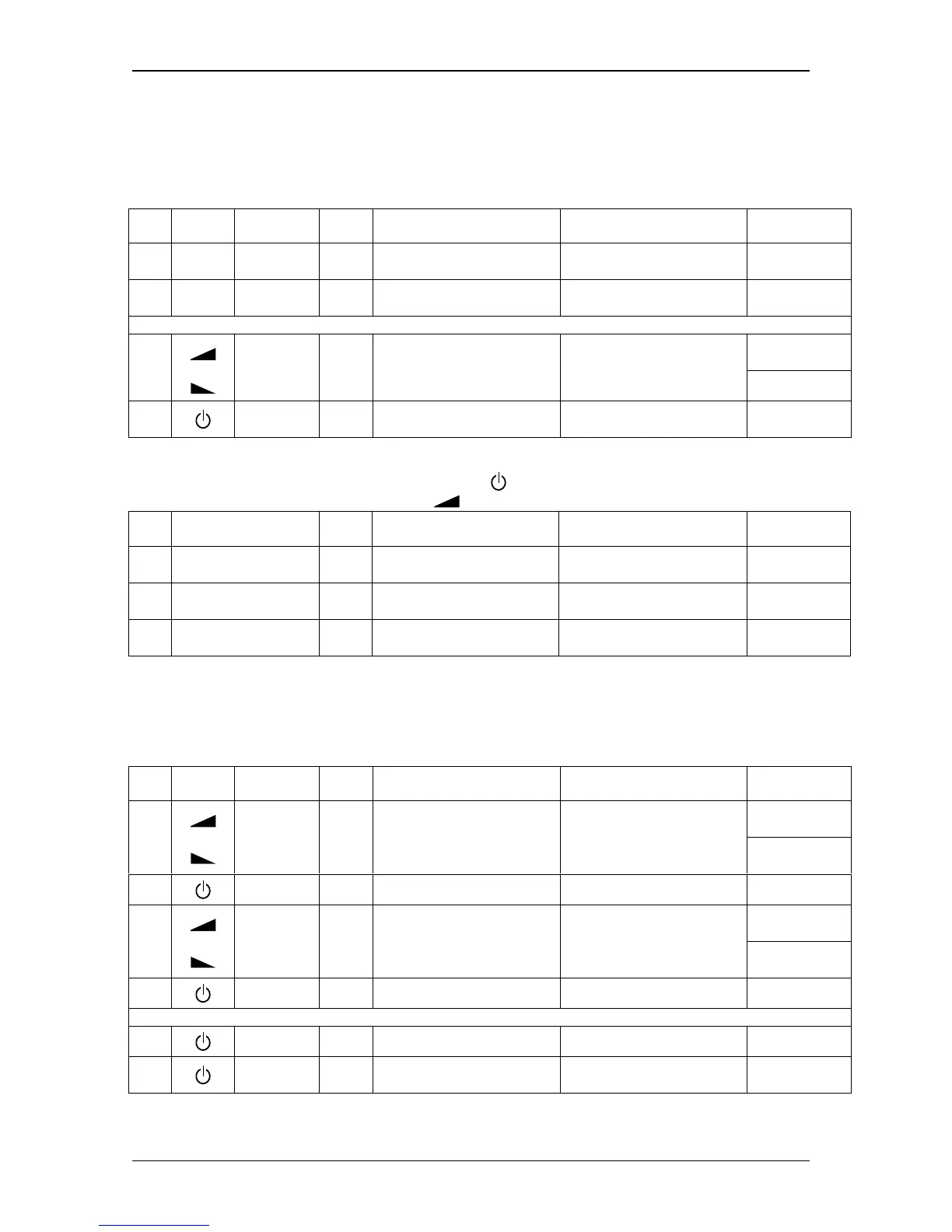
Symbol Key
Key-
press
Description Action
Display
Example
1.
i
i-Button
short
Channel 1: displayed address
Channel 2: displayed address + 1
Actual device address is displayed
with blinking digit and decimal point
Ñ1.Ò
2a.
1..4
value 1..4 short
Direct confirmation
of device address
Display first parameter name
L.
or
Volume +
2.
2b.
Volume -
short
Select address value
Increment or decrement value.
Changed values doesn’t blink !
F
3b. On/Off short
Indirect confirmation
of device address
Display first parameter name
L.
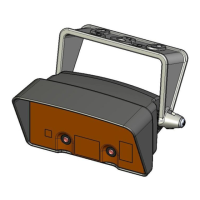
b) Buttons on Motion Detector MWD BP
The left button is functionally assigned to the On/Off-button
on remote control MWD RC.
Right button is equivalent to the Volume +- button
.
Key
Key-
press
Description Action
Display
Example
1. Right or Left short
Channel 1: displayed address
Channel 2: displayed address + 1
Actual device address is displayed
with blinking digit and decimal point
Ñ1.Ò
2. Right short
Select address value
Increment or decrement value.
Changed values doesn’t blink !
2.
3. Left short
Confirmation
of device address
Display first parameter name
L.
3.2 Change Parameter
Before changing parameter values you have to open the parameter entry as described above.
a) Remote Control MWD RC
Symbol Key
Key-
press
Description Action
Display
Example
Volume +
d.
1.
Volume -
short
(long)
Change parameter name
(long: quick selection)
Display parameter name with char-
acter and decimal point.
P.
2. On/Off short
Return to display
parameter value
Actual parameter value is displayed
without decimal point.
1
Volume +
2.Ò
3.
Volume -
short
(long)
Change parameter value
(long: quick selection)
Display changed parameter value
with blinking decimal point.
0.Ò
4a. On/Off short
Undo changes
Display actual parameter value again
(without decimal point)
1
or
4b. On/Off long
Save new parameter value
Decimal point expires after success-
ful saving.
2
5. On/Off short
Return to display
parameter name
Display parameter name with char-
acter and decimal point.
d.


 To Next Page