5
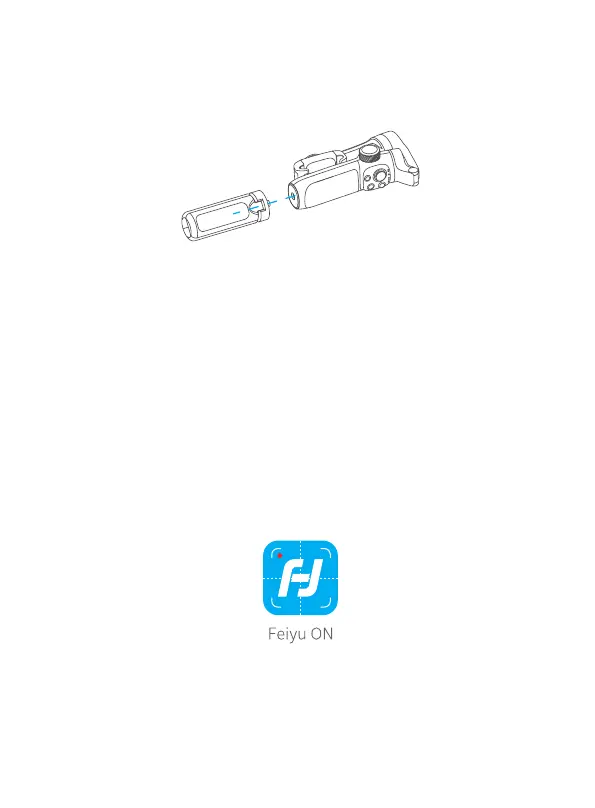
5. Tripod
The tripod is attached to the bottom of the gimbal in a rotating manner. According
to the needs of shooting, choose whether to install it.
6. Connection
6.1 Bluetooth Connection
Turn on the gimbal.
Method one: Download and install Feiyu ON App, run the App, follow the prompts
to turn on and connect with the Bluetooth.
Method two: Turn on the smartphone Bluetooth, connect the gimbal Bluetooth in
the setting of phone, e.g. FY_VB4_XX.
If fail to nd the Bluetooth:
Method one: Shut down the App in the background.
Method two: Move downward the joystick and triple tap the power button at the
same time to reset the Bluetooth connection of gimbal. (And the Bluetooth can
only be reconnected after reboot the gimbal)
6.2 App Connection
6.2.1 Download the Feiyu ON App
Photo / Video Free panorama Ultra -wide angle 180° panora
360° panorama Overlapping image
Light rail
mode
Quick
panorama















 To Next Page