7
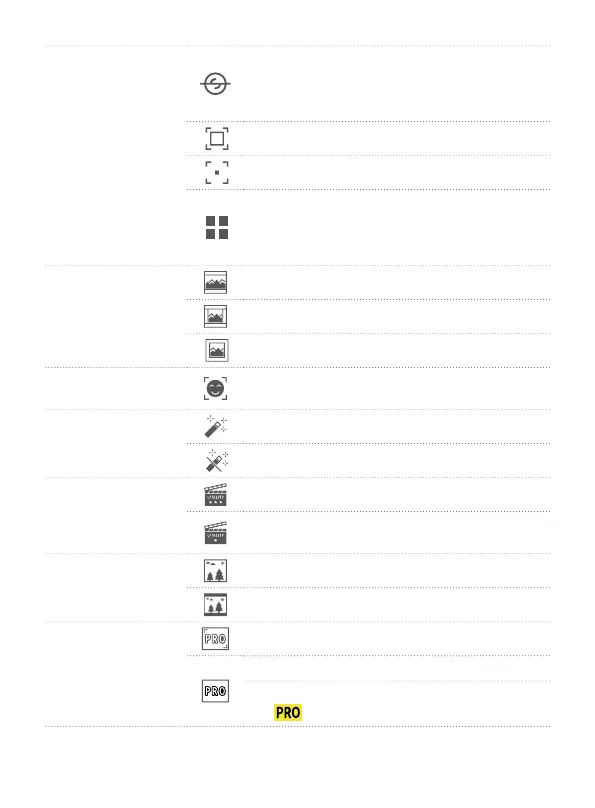
(1) System
Enter calibration. When camera is not level,
users can use it to x. Place the product on
a stable horizontal plane such as table, and
follow the prompts on the screen to operation.
Average metering
Spot metering is available
Move settings, users can switch languages
/ reset system parameters / view device
information ( rmware version, SN code, etc.)/
motor calibration
(2) Viewing angle
Super wide angle
Wide viewing angle
Narrow viewing angle
(3) Face tracking
Turn on/o face tracking( available in photo,
video and slow motion modes)
(4) Beauty
Open beauty
Close beauty ( available in photo modes)
(5) Image quality
Super high quality
High quality ( available in video and slow
motion modes)
(6) Display
Full screen display
Normal display
(7) Professional/
Normal mode
Professional Mode
Normal mode
After switch to professional mode, users can
tap
icon to set the related parameters.


 To Next Page