9
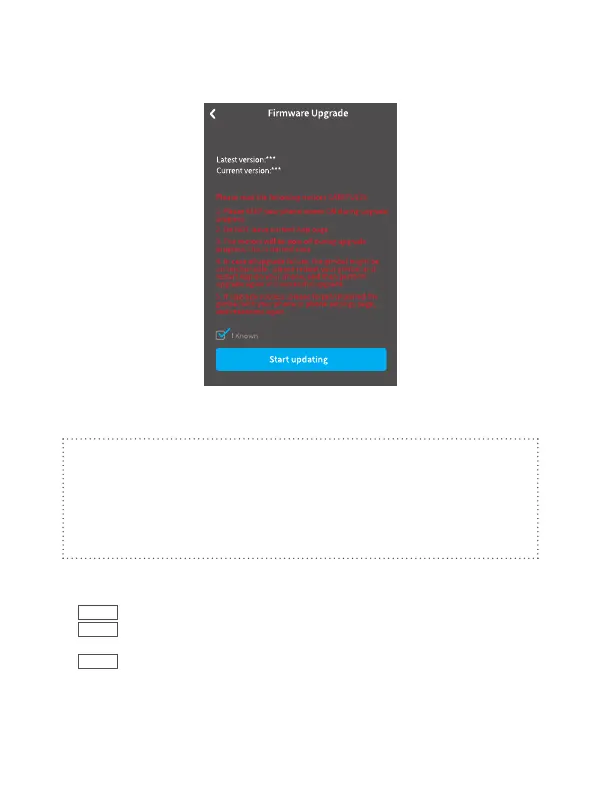
(2) Select upgrade type.
(3) Follow the prompts to upgrade the rmware.
· Do not exit Feiyu ON or run it in the background while updating the rmware.
Pay attention to on-screen prompts.
Noted:
Gimbal has an update protection function. When the update fails, restart the
gimbal, it will return to the previous rmware. Connect the app and update
again to resolve the problem. In addition, parts of the new functions require
updating two or more rmwares to take eect. It is recommended to update
regularly to keep the rmwares of the gimbal as the latest version.
8. Common Operation
①
Basic
: VB 4 can achieve those functions after balanced gimbal.
②
Bluetooth
: New available function which achieved after connected smartphone
via Bluetooth with the functions in condition ① still available.
③
App
: New available function which achieved via Feiyu ON App with the
functions in condition ① , ② still available.



 To Next Page