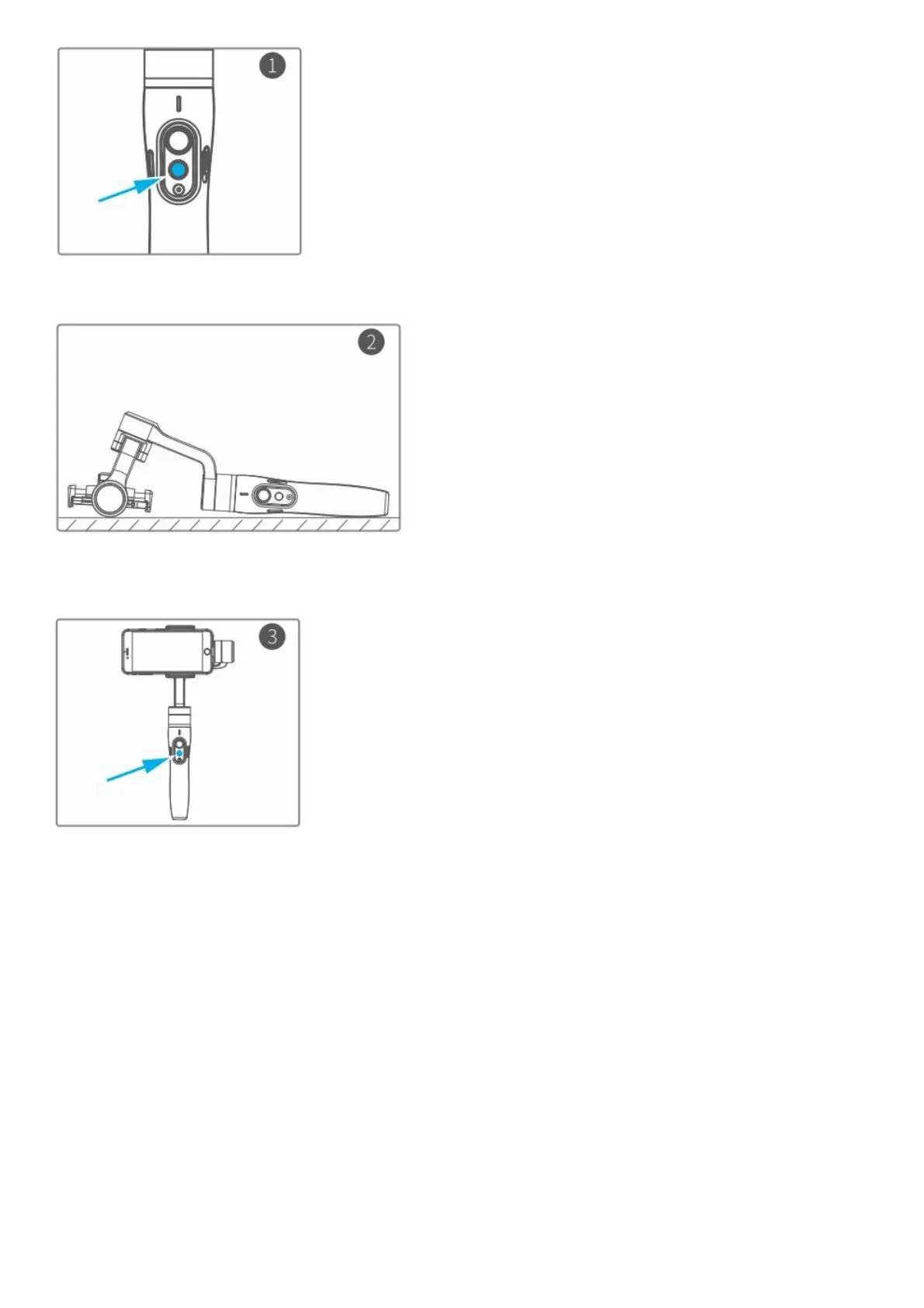
Click the function button five times. The motors will stop working. Status indicator turns solid blue.
Place the gimbal on a flat, horizontal surface. The gimbal will automatically initialize after a few seconds detecting no
movement. The blue light will flash three times to indicate end of initialization.
After the initialization is successful, click the function button to wake up.
Note: if the initialization is not successful, click the function button to wake up. restart initialization process.
Download App and firmware upgrade
1. Download App















 To Next Page