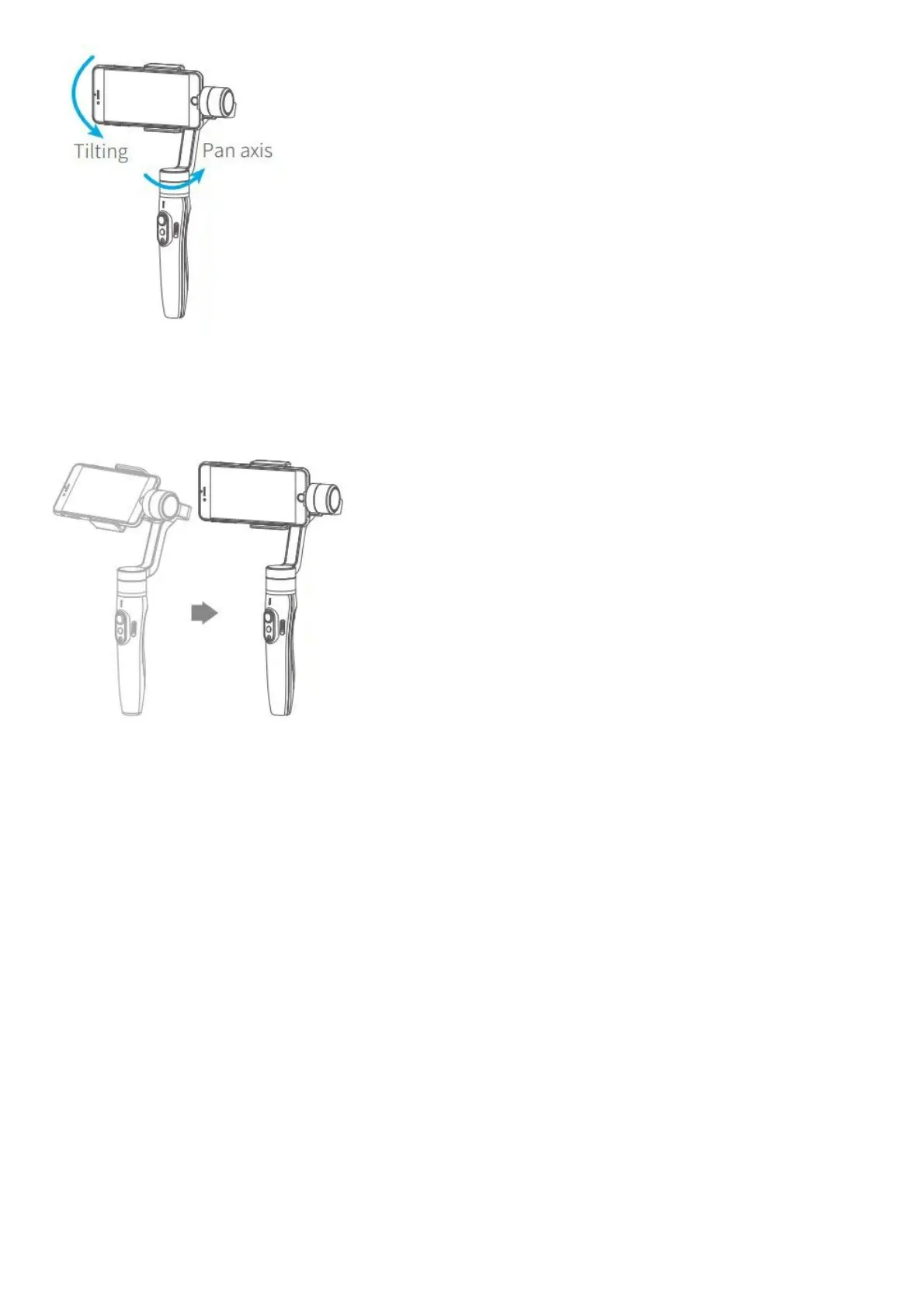
Record the second position (rotation end position) by manually moving smartphone to desired position. Hold in
position for half a second. Click the function button to record rotation end position.
5.The gimbal is motion control from rotation start position to rotation end position
The stabilizer automatically returns to the starting position, and the pitch axis and the pan axis start to rotate
uniformly to the ending position according to the set rotation speed, and enter the follow mode at the ending position.
Exit operations:
1. After auto-rotation is finish, the stabilizer automatically exits auto-rotation mode and enters the follow mode.
2. Enter the motion control mode or motion control setting, double click the trigger button to exit the motion control
mode and reset the gimbal.
Gimbal Initialization
Initialize gimbal when:
(1) Smartphone fails to remain level.
(2) Gimbal has no been used for a long period of time.
(3) Gimbal is used in extreme temperature variations.















 To Next Page