Charge complete
Installation complete
Charging
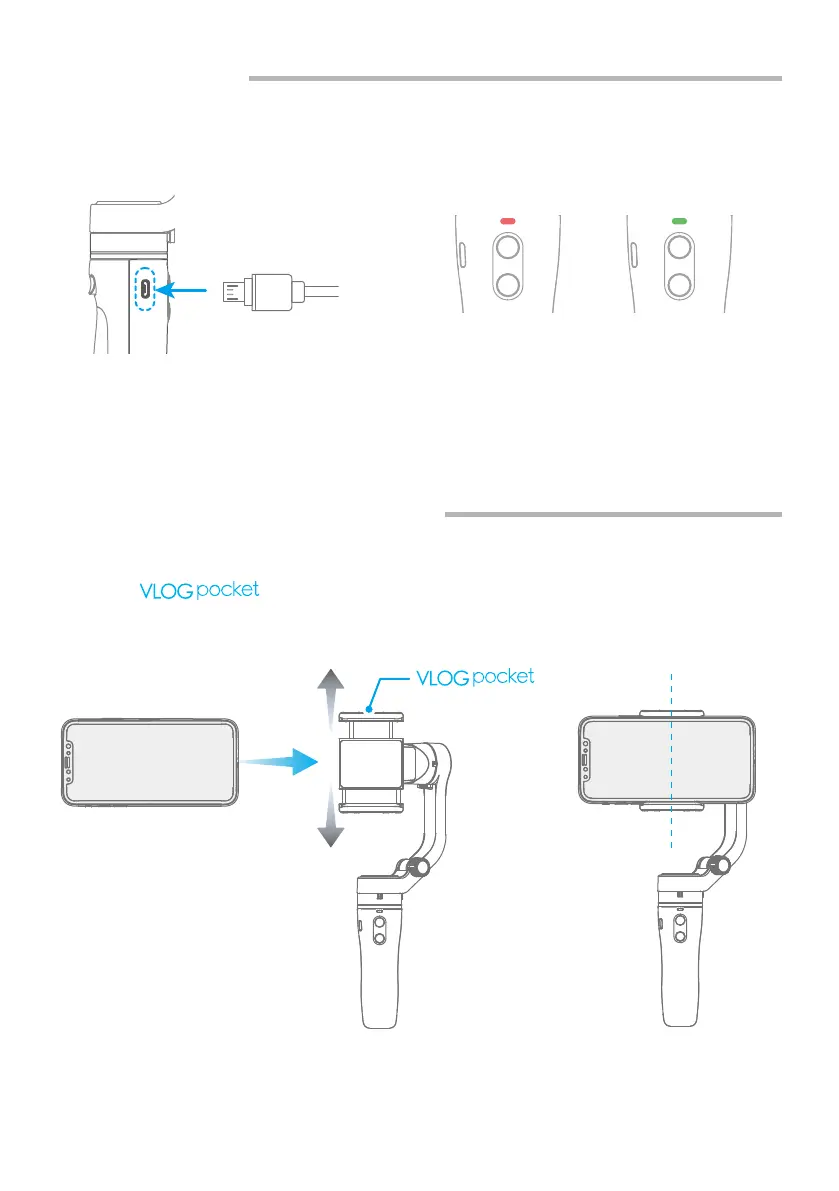
Connect the USB cable to charge. The indicator light is red when charging, and
green when fully charged.
2.2 Charging
2.3 Smartphone Installation
It is recommended to remove the smartphone case before installation and keep
the logo of the smartphone holder upward.
Keep the smartphone holder in center.
03
www.feiyu-tech.com
keep upward



 To Next Page