05
www.feiyu-tech.com
3.1 Function / Modes Introduction
3. Function Operation
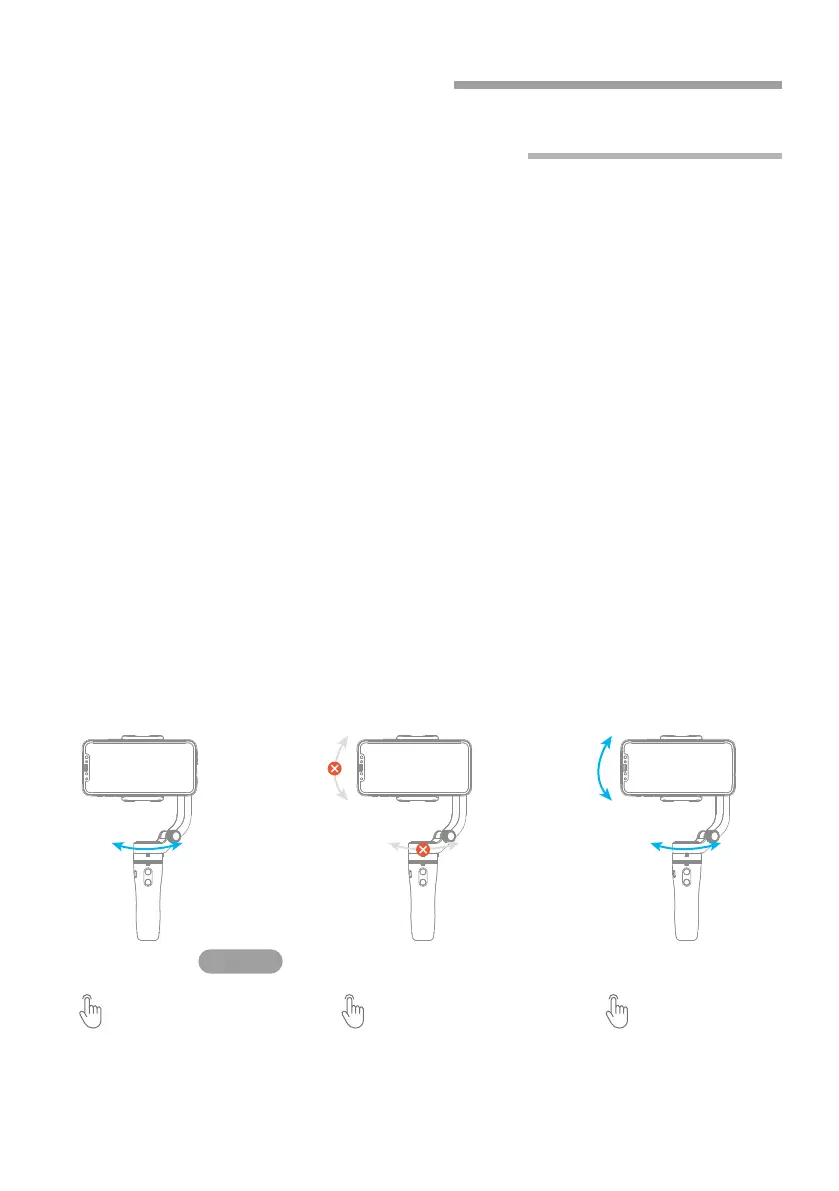
Panning Mode(Default mode)
Lock Mode
Follow Mode
The roll direction is fixed, and the smartphone moves according to the left-right
movements, up-down movements of the user's hand.
The roll and tilt direction are fixed, and the smartphone moves according to the
left-right movements of the user's hand.
The orientation of the camera is fixed.
Panning Mode
Single click the
function button
Follow and
rotate
Follow and
rotate
Default mode
Lock Mode Follow Mode
Click again the
function button
Press and hold the
Shortcut button
Reset
Manual Lock
Return to panning mode, three axises return to default position.
Slide the tilt axis to one position for shooting.
Landscape and Portrait Shot
Assist landscape or portrait shooting.
Lock the
position



 To Next Page