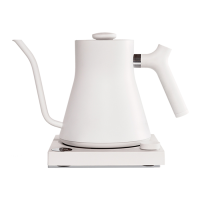
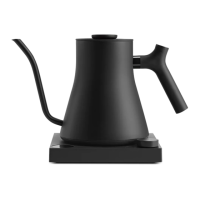
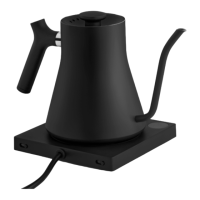
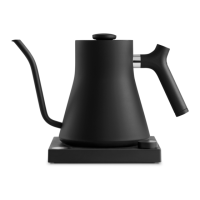
Need help?
Do you have a question about the Fellow Stagg EKG+ and is the answer not in the manual?
Turn on Bluetooth in iPad.
Open Acaia Brewbar App or download in the App Store.
Push the main button to turn on your kettle.
Press the + to access the kettle control screen.
Click the kettle icon in the top left corner.
Click the ... icon to connect your kettle.
Select your kettle's unique code from the pop-up.
Use the toggle in the top left navigation bar.
Adjust temperature using the slider left or right.
Choose temperature with buttons below the slider.
Toggle HOLD mode on/off on the kettle's base.
60-minute HOLD timer starts after SET temperature is reached.
Toggle C/F on the kettle's base.
Track recipes and brew parameters with the Acaia Brewbar App.
Control Bluetooth enable/disable via the main button.
 General
| Capacity | 0.9 L |
|---|---|
| Power | 1200 W |
| Bluetooth Connectivity | Yes |
| Wi-Fi Connectivity | No |
| Precision Pour Spout | Yes |
| LCD Display | Yes |
| Variable Temperature Control | Yes |
| PID Controller | Yes |
| Brew Stopwatch | Yes |
| Material | Stainless Steel |
| Voltage | 120 V |
| Temperature Range | 135-212°F |
| Weight | 2.75 lbs |
| Dimensions | 11.5 x 6.75 x 8 inches |
| Cord Length | 2.5 ft |
| Warranty | 1 year |

 To Next Page