
 Need help?
Do you have a question about the Fender 1270 P and is the answer not in the manual?
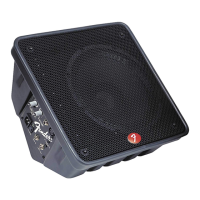
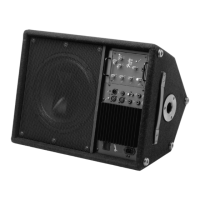
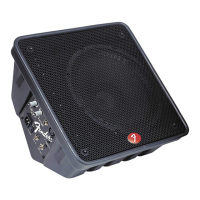
Overview of the 1270P Powered Monitor, its bi-amplifier, and cabinet design.
Connects the power line cord to a grounded AC receptacle.
Rocker switch to turn the 1270P unit ON/OFF.
Illuminates to indicate when the 1270P is receiving power.
1/4-inch phone jack for balanced or unbalanced line-level signals.
XLR jack for balanced mic-level input with 15-volt phantom power.
1/4-inch TS jack for unbalanced line-level signal, unaffected by LEVEL/TONE controls.
Unbalanced line-level signal feed-through for connecting multiple monitors.
Adjusts the signal level for LINE and MIC inputs.
Adjusts the high-frequency range for LINE and MIC inputs.
Describes optimal cabinet positioning angles for various stage sizes and performer movements.
Tips on reducing feedback potential using microphone techniques.
Lists key technical specifications including type, power, inputs, outputs, and dimensions.


 To Next Page
 General