Intelligent Overheat Protection
The lamp will accumulate a lot of heat when used at relatively high output levels for extended periods.
When the lamp reaches a temperature of 65°C or above, the lamp will automatically step down a few
lumens to reduce the temperature. When the temperature drops below 65°C, it will then allow the user
to reselection the modes.
Low-voltage Warning
When the voltage level drops below the preset level, the headlamp is programmed to downshift to a
lower brightness level until Low output is reached. When this happens in Low output, the battery level
indicator blinks to remind you to timely recharge or replace the battery.
Note: This only works with Fenix ARB-L21-5000 V2.0 battery.
Headband Assembly
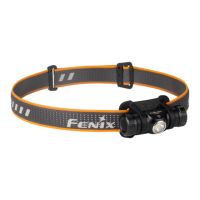
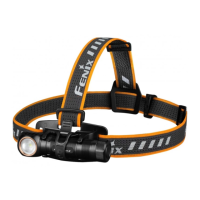
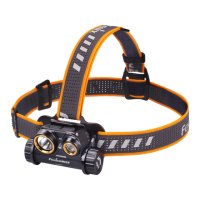
1. The headband is factory assembled by default.
2. Adjust the headband by sliding the buckle to the required length.
Usage and Maintenance
l Disassembling the sealed head can cause damage to the lamp and will void the warranty.
l Fenix recommends using an excellent quality Fenix battery.
l If the lamp will not be used for an extended period, remove the battery, or the lamp could be
damaged by electrolyte leakage.
l Loosen the cap or take out the battery to prevent accidental activation during storage or
transportation.
l Periodic cleaning of the battery contacts improves the lamp's performance as dirty contacts may
cause the lamp to flicker, shine intermittently or even fail to illuminate for the following reasons:
A: The battery needs replacing.
Solution: Replace the battery (Ensure the battery is inserted according to the manufacturer’s
specifications).
B: The contact point or contact of the battery or headlamp is dirty.
Solution: Clean the contact points with a cotton swab soaked in rubbing alcohol.


 To Next Page