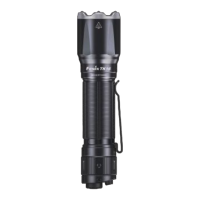
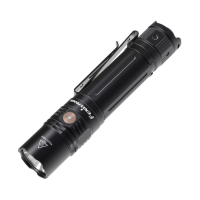
On/off
With the light unlocked and switched off, tap the tactical tail switch to momentarily turn on the
light, release it the light will go out, fully press the tactical tail switch to constantly turn on the
light (less than 0.8 seconds), fully press again to turn off the light.
Mode Switching
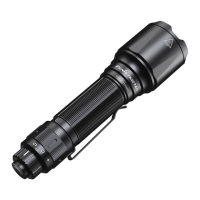
In any state, rotate the toggle switch to select the needed mode, rotate the toggle switch
clockwise to the end to enter tactical mode, rotate the toggle switch anticlockwise to the end to
enter Duty mode, to the middle to enter Lockout mode.
Output Selection
Tactical Mode
Tap the tactical tail switch to momentarily turn on the light, fully press the tactical tail switch to
lock the light on Turbo output level. Press and hold the tactical tail switch for 0.8 seconds to enter
Strobe, tap the tactical tail switch to turn back to Turbo output level. Fully press the tactical tail
switch to turn off the light.
Duty Mode
Tap the tactical tail switch to cycle through Eco→Low→Med→High, fully press the tactical tail
switch to lock the output level, tap again to cycle the output levels (with intelligent memory
circuit). Press and hold the tactical tail switch for 0.8 seconds to enter Strobe, tap the tactical tail
switch to return to the previously used output level. Fully press the tactical tail switch to turn off
the light.
Instant Strobe
In Tactical or Duty mode, press and hold the tactical tail switch for 0.8 seconds to enter Strobe,
fully press the tactical tail switch again to exit Strobe.
Lock/Unlock
Lock


 To Next Page