DUOX PLUS WIFI VEO XS MONITOR 19
4.5.1 User parameter settings: MELODY SELECTION
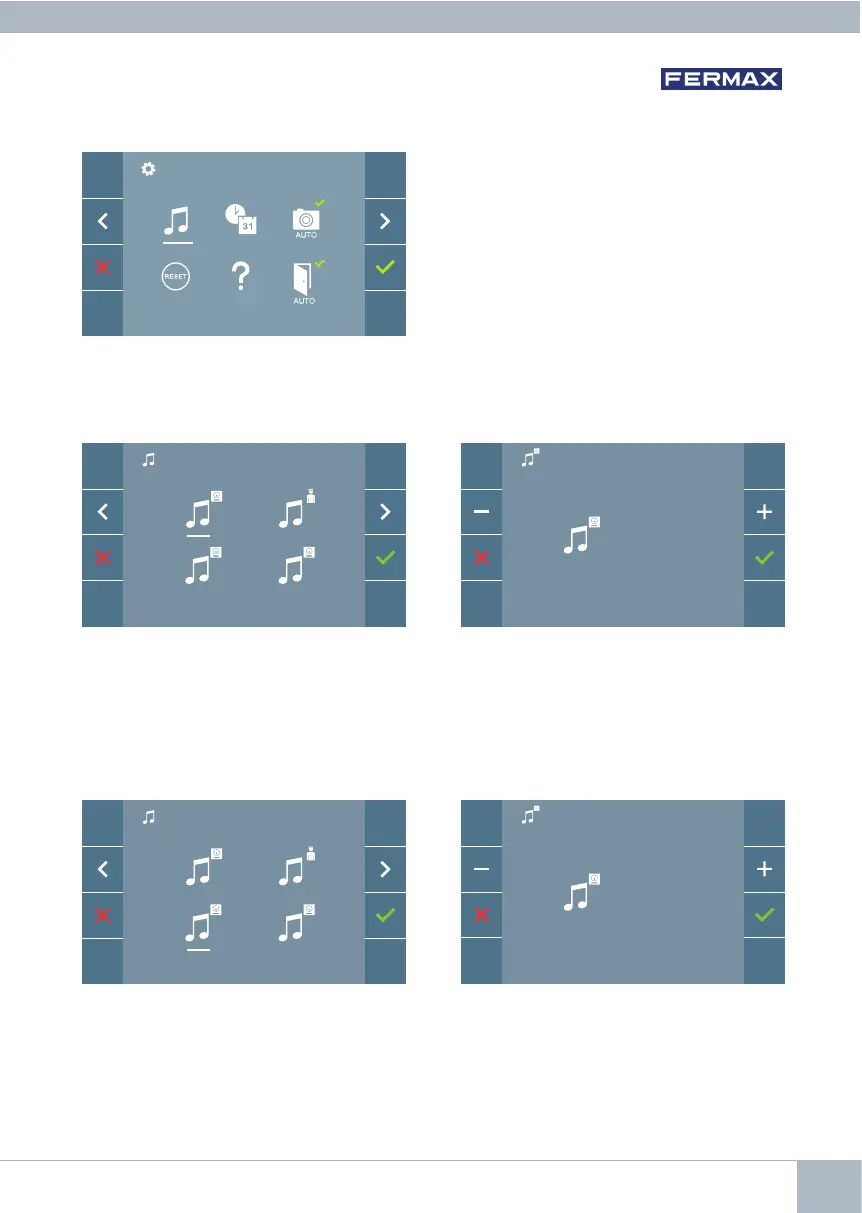
a) Panel melody selection
Once you have selected the option, you
will see and hear the current melody, and
by pressing the +or - button you can, con-
tinue selecting and listening to the various
melodies available on the monitor.
The monitor allows you to select a separate
melody for the panels and another for the
concierge. The panels are:
- Panel 0, monitor block.
- Panel 1, monitor block.
- Panel 0, General Entrance.
You may assign up to 5 different melodies.
By selecting this option, you can change
the melody you hear on the monitor when
a call is made from the outdoor panel 0 of
the monitor block.
0
1 G
0
4
Panel 0, monitor block
Once you have selected the option, you
will see and hear the current melody, and
by pressing the +or - button you can, con-
tinue selecting and listening to the various
melodies available on the monitor.
By selecting this option, you can change
the melody you hear on the monitor when
a call is made from the outdoor panel 1 of
the monitor block.
1
2
0
1 G
Panel 1, monitor block














 To Next Page