Pag 14
FINGERPRINTFINGERPRINT
FINGERPRINTFINGERPRINT
FINGERPRINT
FINGERPRINTFINGERPRINT
FINGERPRINTFINGERPRINT
FINGERPRINT
P r o E
0 0 0 1
987
654
321
A
B
0
321
4
B
+
)(
321
4
B
+
)(
4
B
3
4
321
C o d e
. . .
0 0 0 1
d 1. 1
REMOTE UNIT
FOR ACCES CONTROL
+
321
7 8 9
0
x
-
654
REMOTE UNIT
FOR ACCES CONTROL
+
321
7 8 9
0
x
-
654
0 0 0 6
E r r
REMOTE UNIT
FOR ACCES CONTROL
+
321
7 8 9
0
x
-
654
REMOTE UNIT
FOR ACCES CONTROL
+
321
7 8 9
0
x
-
654
S t d
M o d e S e c
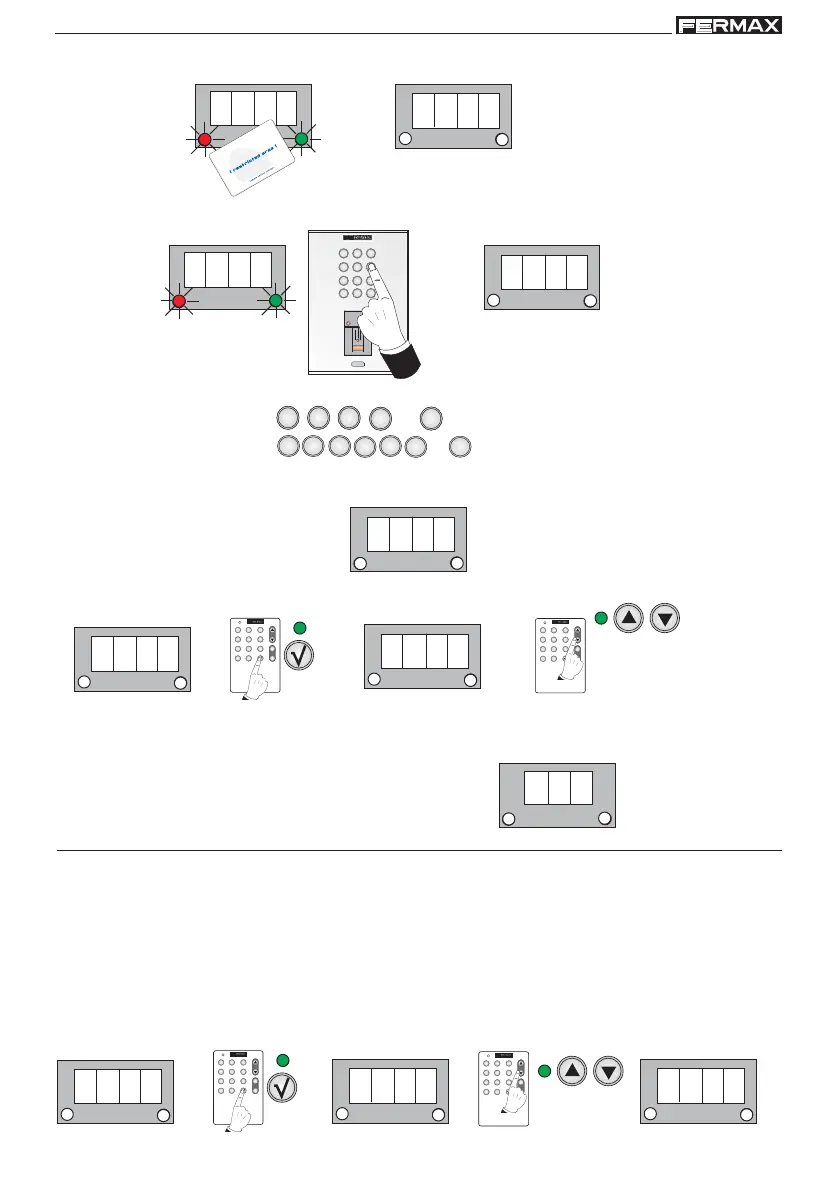
4. Bring close the card that you wish to register. If it has registered correctly d1.1 is shown.
1 beep 1 beep
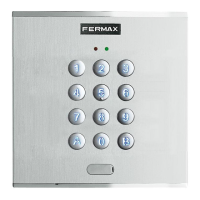
4b If it was a keypad code (if the reader has a keypad).
4 digits
6 digits
4 or 6 digit code + B. For example:
The code has already
been registered
1 beep
1 beep
5. d1.1 re-appears, allowing us to continue registering users. Repeat the aforementioned steps to register
new users - card or code only.
NOTE:
- The choice of number of digits (4 or 6) is chosen using the option: Code
Accept
Select an option:
0004 or 0006
NOTES:
The same proximity card cannot be entered twice on different registers (user number), therefore if
it is already registered on the system it cannot be re-registered.
Details: If the card has already been registered in the system
an error message will be shown when you try and
register it again.
1 beep
Operation
User mode 1 or 2 fingerprints.
User mode 1 or 2 fingerprints + proximity.
User mode 1 or 2 fingerprints + code.
User proximity only.
User ID only.
NOTE:
- For the functioning of users in Security Mode (double security): Fingerprint + Proximity or Fingerprint +
Code, in the option: Mode the Sec mode has to be selected (double security).
Accept
Select Sec
Std: Standard Sec: double security:
Security mode



 To Next Page