Operation
Operation
The A16 MK-II can be controlled via three front panel buttons
SAMPLE RATE, SYNCHRONIZATION and MENU.
Alternatively, you can use your PC to remote control the A16
MK-II using the MIDI interface.
In the main screen the frequency and synchronization can be
set using the corresponding buttons.
Pressing MENU opens the main menu, where you can
navigate with the SAMPLE RATE and
SYNCHRONIZATION functions.
Pressing MENU again will then confirm the selected function
choice.
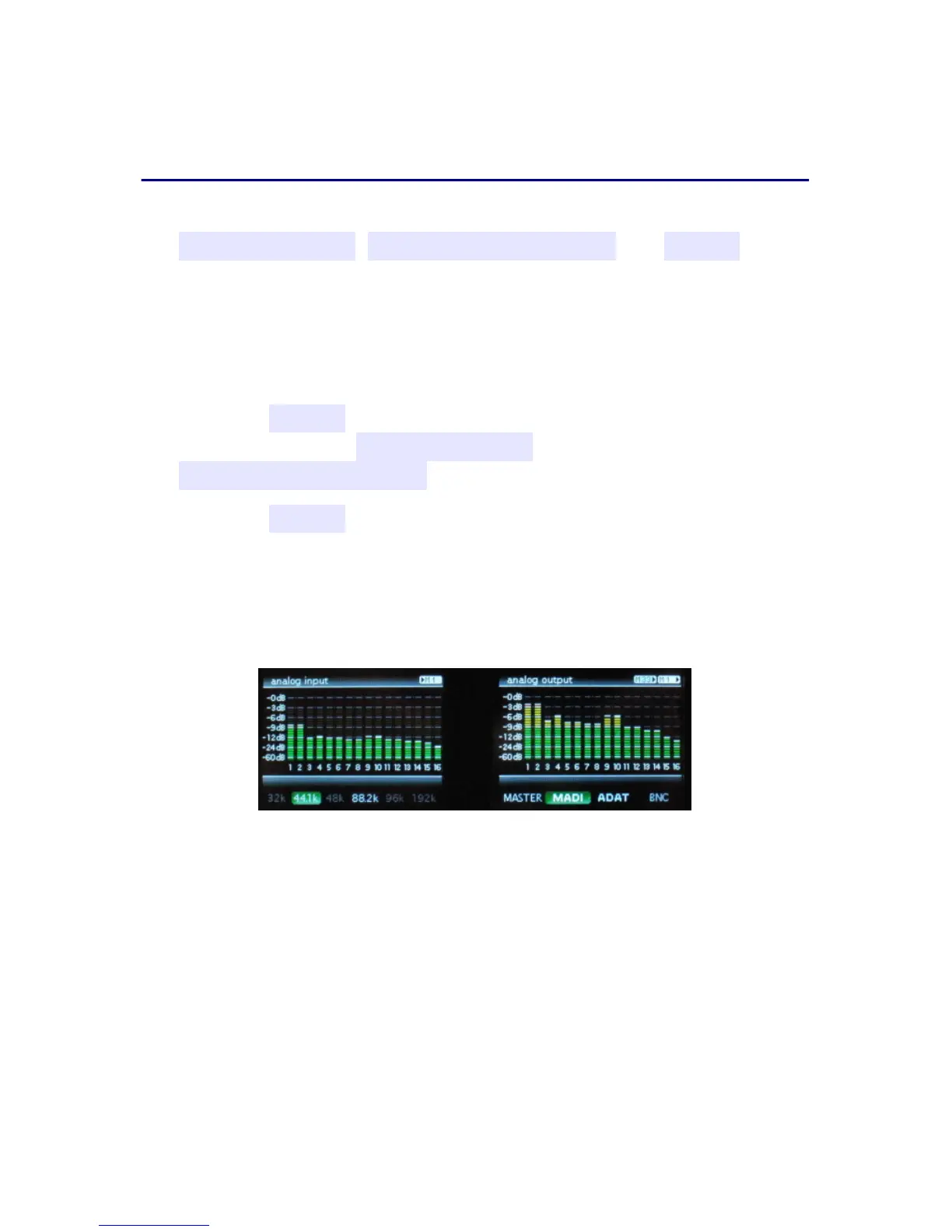
main screen
The TFT main screen shows all 32 channels of the A16 MK-II
as well as the basic settings of sample rate and the input signal
from which the A16 MK-II takes it's timing. Additionally, it
displays the interfaces to which the analog inputs/outputs are
routed in the top right corner.
2



 To Next Page