Operation
10
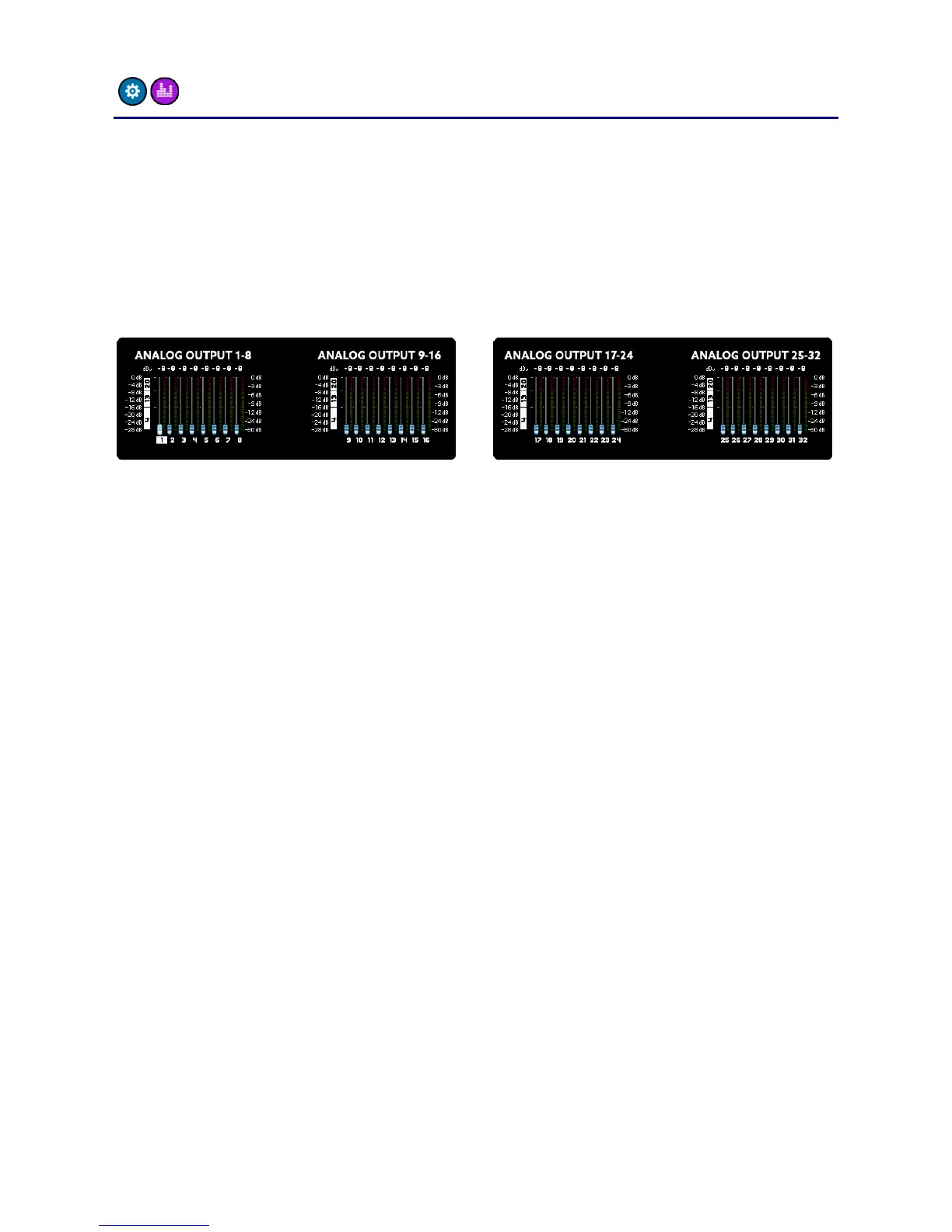
main menu – SETUP -> LEVELS
The LEVELS screen is similar to the GAINS screen described on the
previous page and is responsible for the levels of the analog outputs.
As with the inputs, you can set the level of each channel in 1dB steps
from -8dBu to +20dBu. The A32 offers individual analog level switching
of +4dBu, +13dBu and +20dBu. This means that this level is reached
when the digital output reaches 0dBFS.
If you select one of the three reference levels exactly, the digital signal
will be converted 1:1 to analog. However, if you select a value in
between these reference levels, the DSP will calculate the optimal
combination between analog and digital levelling. For example, if you
select +12dBu the analog output will be switched to +13dBu and the
digital signal will be attenuated by 1dB to reach the +12dBu output
level.
Just like the inputs you can also meter the levels of the channels here.
Please note, the level of the outputs will not change when adjusting
the amplification here, because you see the digital level before digital
and analog amplification.



 To Next Page