Operation
3
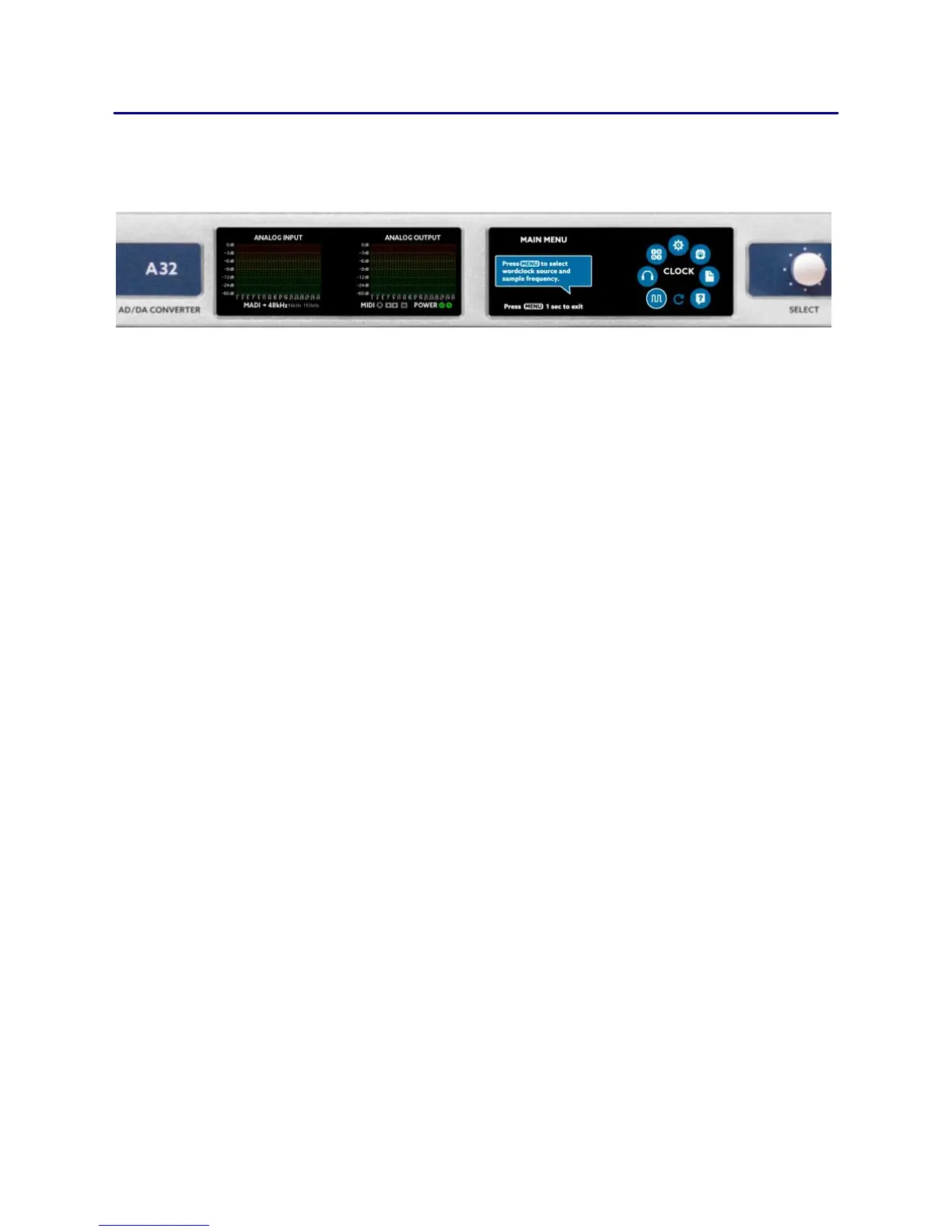
main menu
Pressing the MENU key shows the main menu. Use the SELECT wheel
to choose the desired menu option and press MENU to activate it.
The main menu has the following functions:
CLOCK
Here you can set the A32 to generate the wordclock itself (master) or
listen to a wordclock signal (slave) from an external source. If choosing
Master you can also select the sample rate here.
MIX
You can select, load and edit one of seven mixer presets in this menu.
The preset mixes can be monitored using the headphones output.
DIGITAL
In this menu you can see the analog I/O’s as meters and all digital I/O’s
as LED dots with a traffic light color scheme. This means that every dot
shows a digital channel, which changes color according to the level of
the signal. For further information, please see the DIGITAL chapter.
SETUP
Setup lets you change the gain-levels of the analog inputs and outputs.
Additionally, you can define the routing of the A32, set the MIDI and
MADI processing, change global settings or lock the front panel.
DSP
In the DSP menu optional DSP plugins can be loaded and edited.



 To Next Page