Operation
2
Headphones
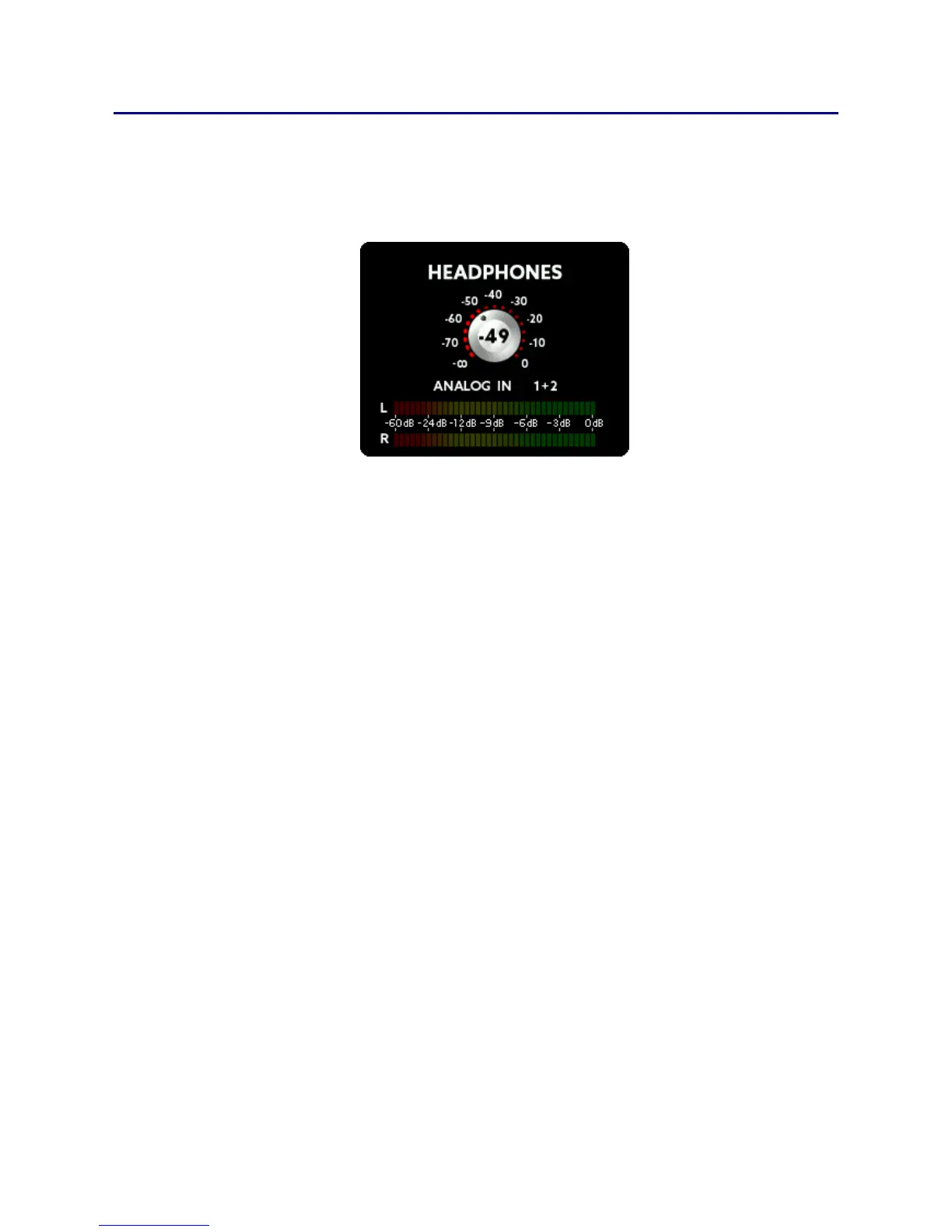
Turning the SELECT knob whilst the main screen is visible on the
display will make the headphones menu appear. You can now select
the volume of the headphones output:
By pressing the MENU key, you can also select and then change the
following:
Source: You can choose between ANALOG IN / OUT, MADI IN /
OUT, ADAT IN / OUT and MIX 1-7.
Channel: Once you have chosen a source you can then select
the specific channel(s) to be monitored. Cycling thru the
channels will let you first select mono channels, followed by
stereo channel pairs.
If you prefer to have a full mix of the channels, you can choose a mix
preset. For further information regarding mix presets please see the
MIX chapter.



 To Next Page