Festo KBS-FEC FC30- 0206NH English 29
7 Using the IPC FEC FC30 for the first time
General instructions on commissioning
Please follow the instructions below if you are using the
I PC F EC FC30 for the first time.
1. Please follow the safety, wiring and emergency stop
instructions.
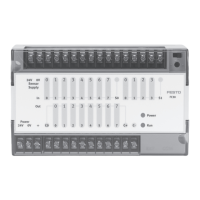
2. Connect the 24 V DC operating voltage to the terminals
on the terminal strip labelled as Power 24 V and 0 V.
Create a conducting connection between the func-
tional earth and earth potential.
3. Connect at least one sensor to an input, e.g. In 0.1.
4. Connect the 24 V DC operating voltage to the output
terminals (C+, C-) and optionally to an actuator, as il-
lustrated in the following diagram. Please follow the
applicable safety regulations in your company.
5. Switch on the 24 V DC operating voltage (Power). The
Power LED must light up. The status LED for the input
that you assigned must light up if your sensor returns
a“1”signal.
6. Start your programming software. Connect the SM14
programming cable between your programming PC
(ideally at COM1) and the I PC FEC FC30 (COM port).




 To Next Page