14!
Rentals, purchases, and subscriptions
I!am!not!seeing!rentals!or!purchases!
Check!you’re!still!within!the!rental!viewing!window.!When!you!rent!a!movie!you!have!7!days!to!start!watching!
it,!and!48!ho u r s!to !w a tc h !it!from !w h en !yo u !first!pres s!play .!Also!make!sure!you!rented!or!purchased!the!item!(it!
should!show!a!tick!instead!of!a!dollar!sign).!Make!sure!your!Fetch!TV!boxes!are!powered!on!and!connected!to!
the!Internet.!If!th at!d o es n’t!h elp ,! resta rt!you r!m o dem/router!and!Fetch!TV!box.!Your!Fetch!TV!boxes!do!need!to!
be!on!the!same!account!to!share!rentals!or!purchases.!!
I!am!not!seeing!sub sc rip tio n !ch an n els !
Make!sure!your!Fetch!TV!boxes!are!powered!on!and!connected!to!the!Internet.!If!that!doesn’t!help,!restart!
your!modem/router!and!Fetch!TV!box.!Your!Fetch!TV!box es!do!need!to!be!on!the!same !account!to!share!
subscriptions.!Double-check!that!you!are!not!in!My!Channels!mode!or!have!hidden!the!channels!at!Menu!>!
Manage!>!Settings!>!Channels.!
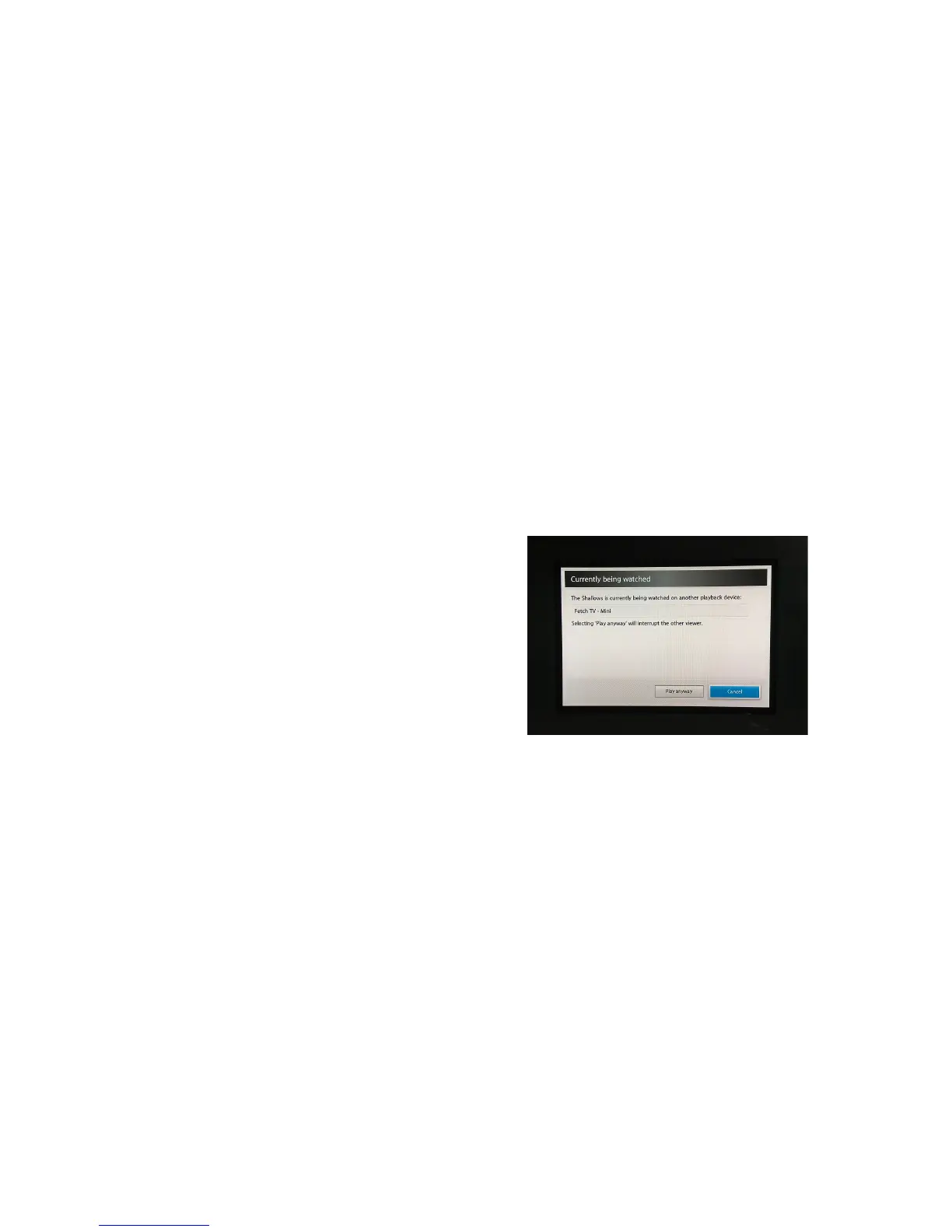
I!see!a!“Currently!being!watched”!message!
You!can!watch!the!same!purchased!TV!episode!or!
purchased!or!rented!movie!on!one!device!at!a!time,!
either!a!phone,!tablet,!or!Fetch!TV!box.!!
If!you!see!a!message!“Currently!being!watched!on!
another!device”,!you!can!choose!to!“Play!Anyway”!
which!will!stop!playbac k!o n !th e !o th e r!d ev ic e.!T h e!
other!device!will!then!show!a!“Playback!Interrupted”!
message.!



 To Next Page