7!
5. Fetch TV App
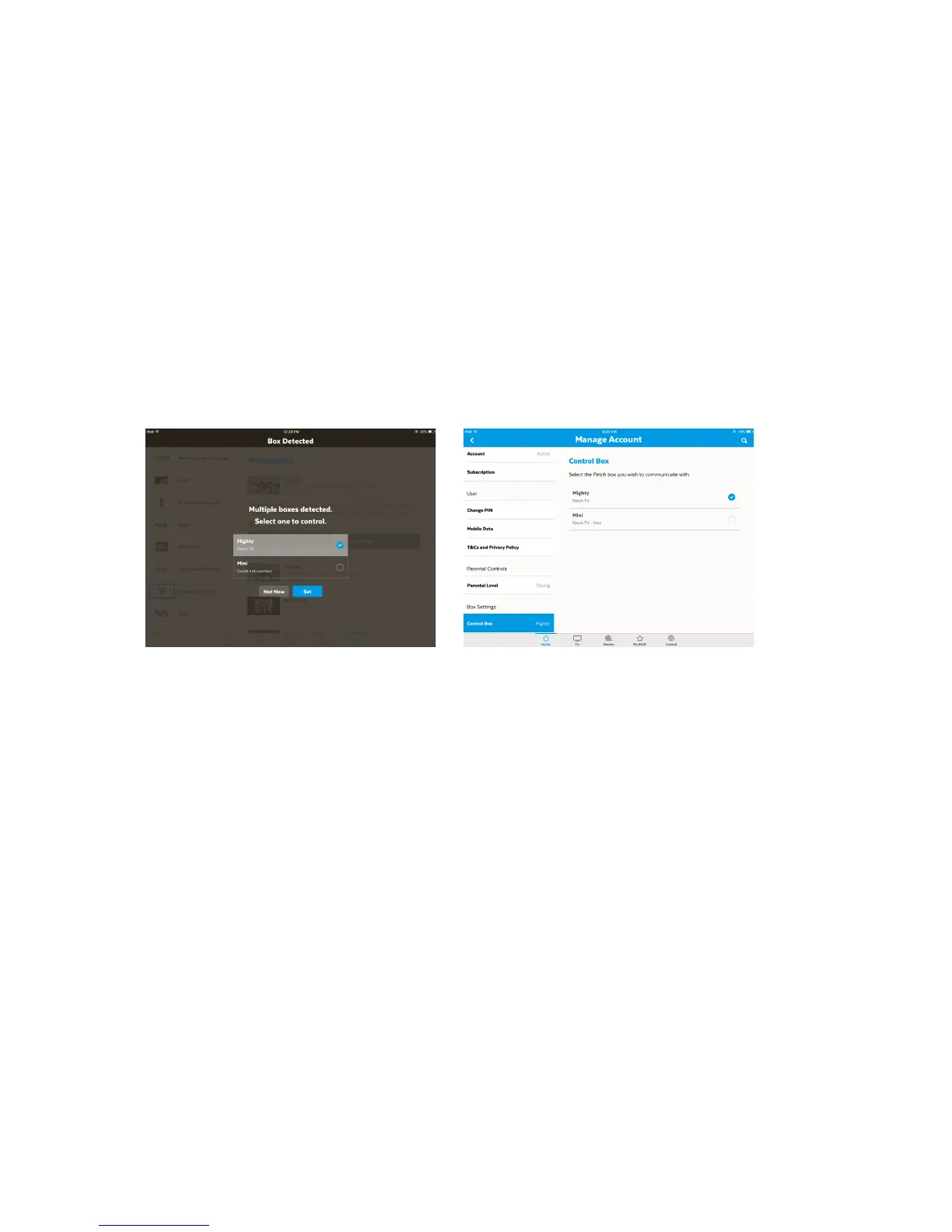
If!you’re!using!the!Fetch!TV!App!on!your!phone!or!tablet,!it’ll!prompt!you!to!connect!to!one!
of!the!Fetch!TV!boxes!in!your!home!when!you!sign!in!on!the!app.!!
You!can!then!use!your!phone!or!tablet!like!a!remote!control!to!control!your!box.!To!connect!
a!box,!you’ll!need!to!sign!into!the!app!with!an!Activation!Code!for!a!box!on!your!account!and!
confirm!your!PIN.!You!can!switch!boxes!to!control!at!any!time!by!going!to!Home!>!Manage!
Account!on!the!app.!
You!can!set!recordings!via!the!app!once!you!connect!to!your!Mighty!or!Gen!2!box.!!
For!more!information!see!the!Fetch!TV!Mobile!App!User!Guide.!
!!!!!!! !
!
!
! !



 To Next Page